1Password just found a way to let Claude log into your online accounts without ever handing over your actual passwords. The new 1Password for Claude integration fills in your login details automatically, while keeping your credentials completely hidden from Anthropic’s AI agent.
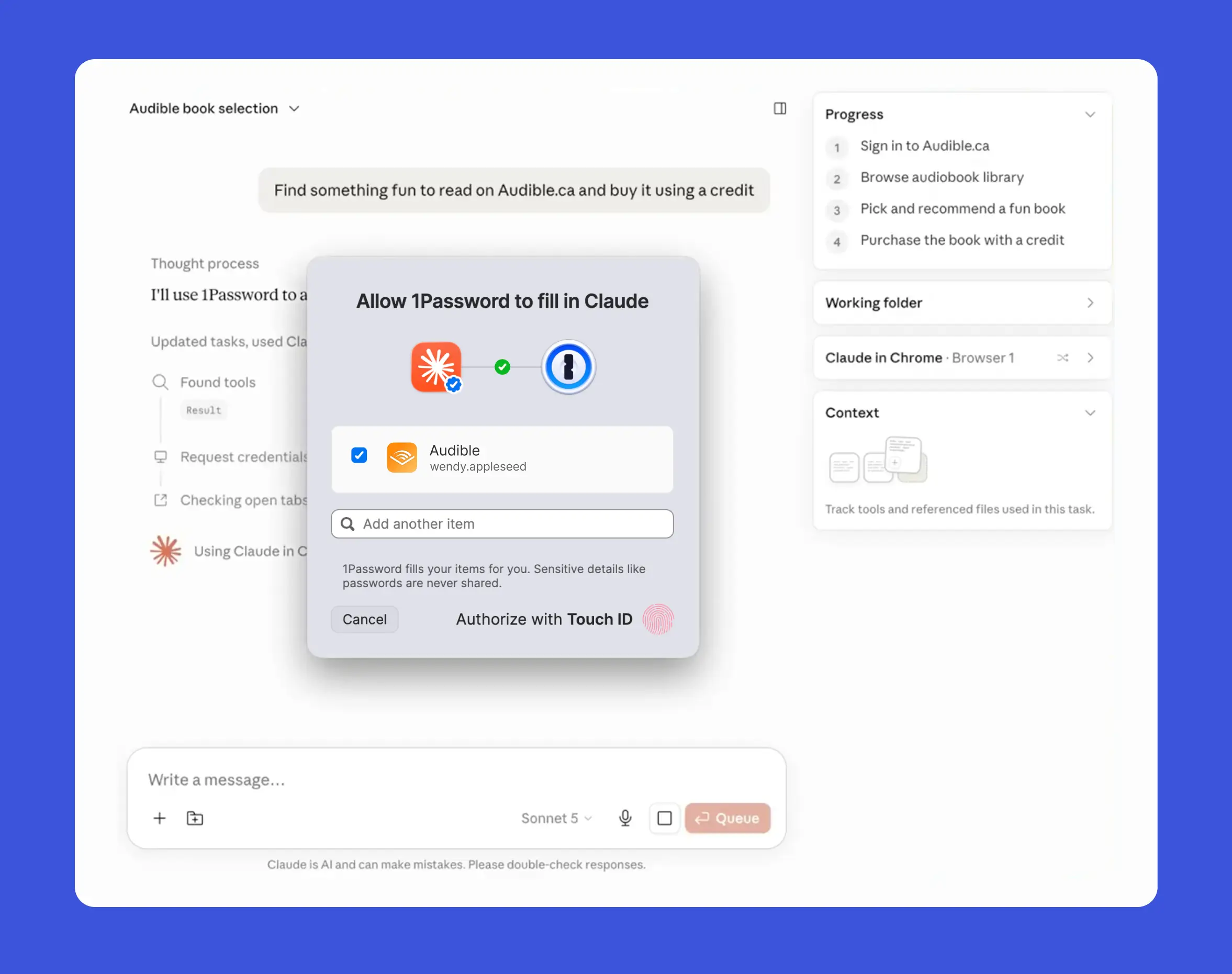
The feature works on Mac right now. When Claude hits a sign-in page while working on a task, it asks for the saved login, and you decide whether to approve or deny that request.
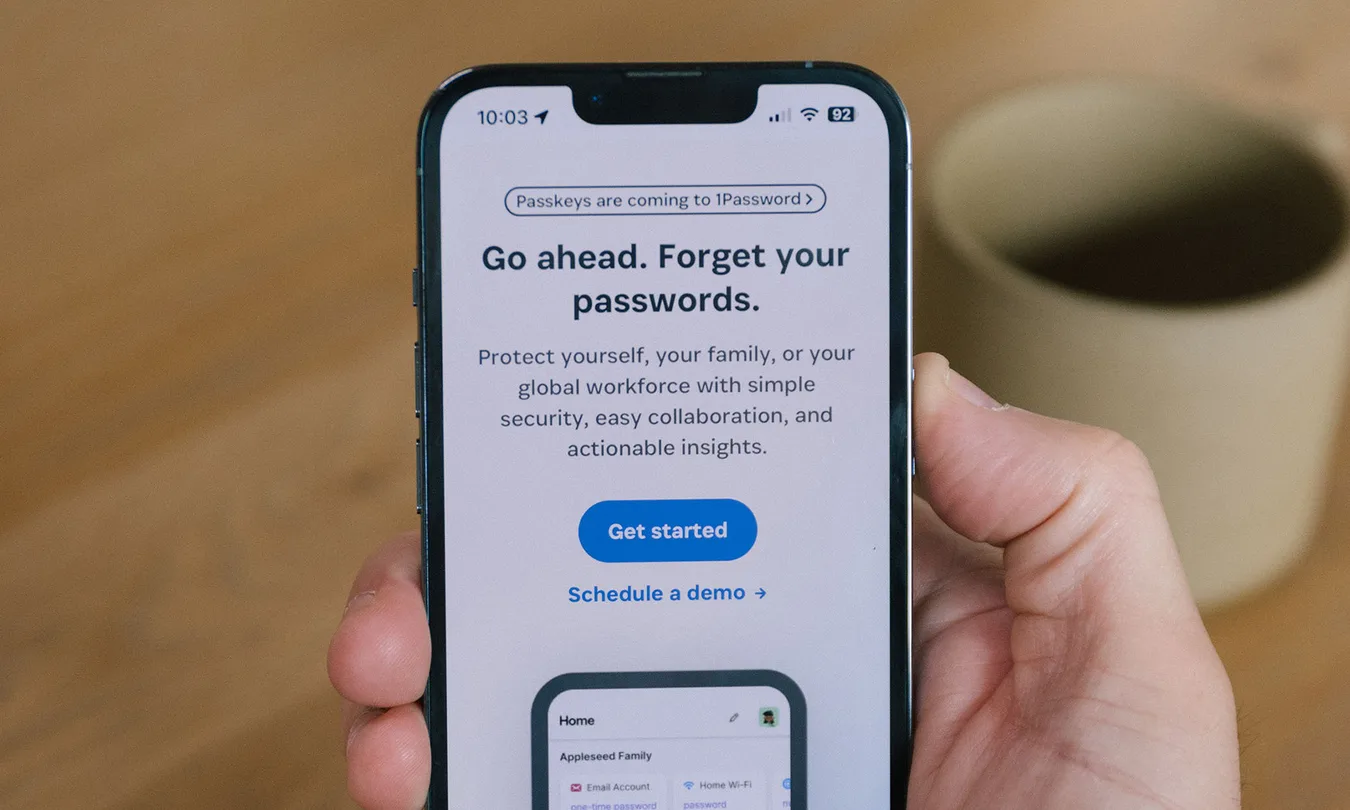
Once approved, 1Password sends the credentials through a separate encrypted channel that bypasses Claude entirely. Your passwords and one-time codes never touch Claude’s context or Anthropic’s systems at any point.
How 1Password blocks Claude from your passwords
Claude spots the website and requests access, but here’s the thing: it only gets basic details back, which login was approved and whether the sign-in worked. Nothing more. The 1Password browser extension handles the actual decryption and typing of the password, and during that moment, Claude briefly stops reading the page entirely.
You may also like: Anthropic Brings Claude to MS Word: What It Can Do
Agentic Mode kicks in automatically the moment Claude takes control of a browser tab. It swaps out 1Password’s normal autofill interface and restricts the agent to only the vault items you’ve approved for that session.
If a login attempt fails, the extension wipes the credentials clean before handing control back to Claude. That way, there’s no half-filled form left sitting around for Claude to poke through afterward.
What’s left uncovered
Those protections only apply to how credentials get approved and delivered. Once Claude successfully signs in, it’s operating as an authenticated user inside that account. From there, what Claude can actually do depends on its own built-in controls and whatever permissions the website itself allows.
Keeping your password away from the model shuts down one obvious risk. But that alone doesn’t make everything that happens after login harmless.
You may also like: Anthropic Claude Design: AI Tool for Visual Content Creation
You still need to think about what the task actually is and what Claude might see or change once it’s inside that account. A secure login solves the credential problem, sure, but it doesn’t solve the trust problem.
Who has access right now
1Password for Claude works for individual, family, and business subscribers, but only on Mac for now. You’ll need version 8.12.28 or later of both the 1Password desktop app and browser extension, along with Claude’s own desktop and browser extensions installed.
You may also like: Anthropic Cuts OpenClaw Access: Here Is What Changed
If you’re on a business plan, your admin needs to turn on agentic autofill before anyone on the team can actually connect it.
This first release covers usernames, passwords, and one-time codes saved as login items. Passkeys and social sign-in options like Sign in with Google aren’t supported just yet.
If you’re trying this out, start small. Pick a narrow task on a low-stakes account first, before giving Claude access to anything tied to money, public visibility, or something you’d regret if it went wrong.