These days, you don’t necessarily need to pay for antivirus software at all. Windows already comes with good built-in protection through Microsoft Defender, and several third-party companies still offer genuinely useful free antivirus programs that don’t quietly convert into paid subscriptions after a short trial period.
If you specifically want third-party protection, Bitdefender Antivirus Free is the best starting point. It sticks to the essentials, real-time malware and web protection, without piling on features you’ll likely never touch. Avast One suits people who want a broader set of security tools bundled together, while Microsoft Defender remains the obvious choice if you’d rather not install anything extra at all.
A few other free options are worth considering, too. Avira offers more than basic antivirus coverage, AVG keeps things closer to the traditional antivirus experience, and Malwarebytes proves especially useful when your main concern is cleaning up a PC that might already be infected.
Best Free Antivirus Software Overall: Bitdefender Antivirus Free
Bitdefender Antivirus Free earns our top pick for anyone wanting a dedicated third-party antivirus, mainly because it sticks to the fundamentals. You get real-time protection against malware and other threats, defense against malicious and phishing sites, and system scanning with no subscription or expiration date attached. Bitdefender genuinely markets this as a free product, not a disguised trial.
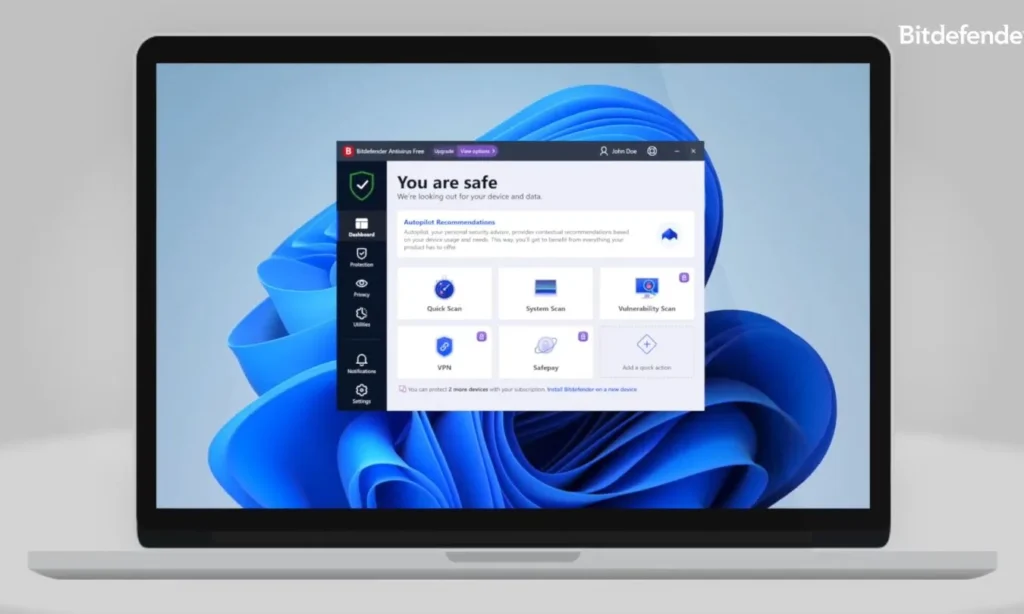
That simplicity carries a lot of the appeal here. Many free antivirus programs try to morph into full security dashboards, complete with optimization tools, VPNs, browser add-ons, and constant reminders about everything you’re missing by not paying.
Bitdefender’s free version stays refreshingly minimal by comparison. Install it, let it run quietly in the background, and only step in when it actually flags something worth your attention.
You may also like: Fake Windows App Sites Spread Malware, 70+ Domains Found
Most of Bitdefender’s broader privacy, identity, and device-security features remain locked behind its paid tiers. In this case, that’s actually a benefit; it keeps the free app lean and focused rather than bloated with tools that have little to do with core antivirus protection.
Best Free Antivirus With Extra Features: Avast One
Avast takes almost the opposite approach compared to Bitdefender. Its current Avast One app bundles antivirus protection with additional web, scam, privacy, and network security tools, making it a better fit for anyone who wants their free security software doing more.
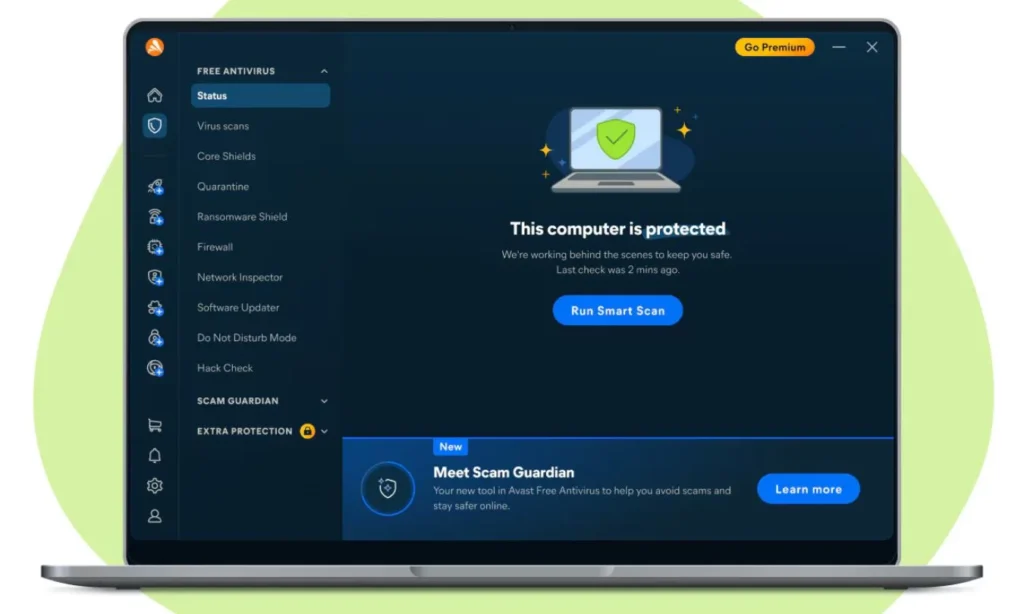
The free tier includes core antivirus protection alongside basic scam and web protection. Avast also throws in some extra free privacy and security features, though it holds back more extensive VPN, identity, and cleanup tools for its paid tiers. The company refreshed Avast One in 2027, consolidating more of its security, privacy, identity, and performance features into a single unified app.
Protection quality remains genuinely good too. AV-Test’s June 2026 results gave Avast Free Antivirus full marks across protection, performance, and usability.
You may also like: Windows 11 Media Player Update: Slower and Memory Heavy
The tradeoff is that Avast feels noticeably more commercial than Bitdefender. Paid features stay visible throughout the app, and you’ll likely run into more prompts nudging you toward a subscription as you explore its broader feature set.
Best Free Antivirus Software: Microsoft Defender
There’s a real chance you already have all the antivirus protection you need without installing anything new.
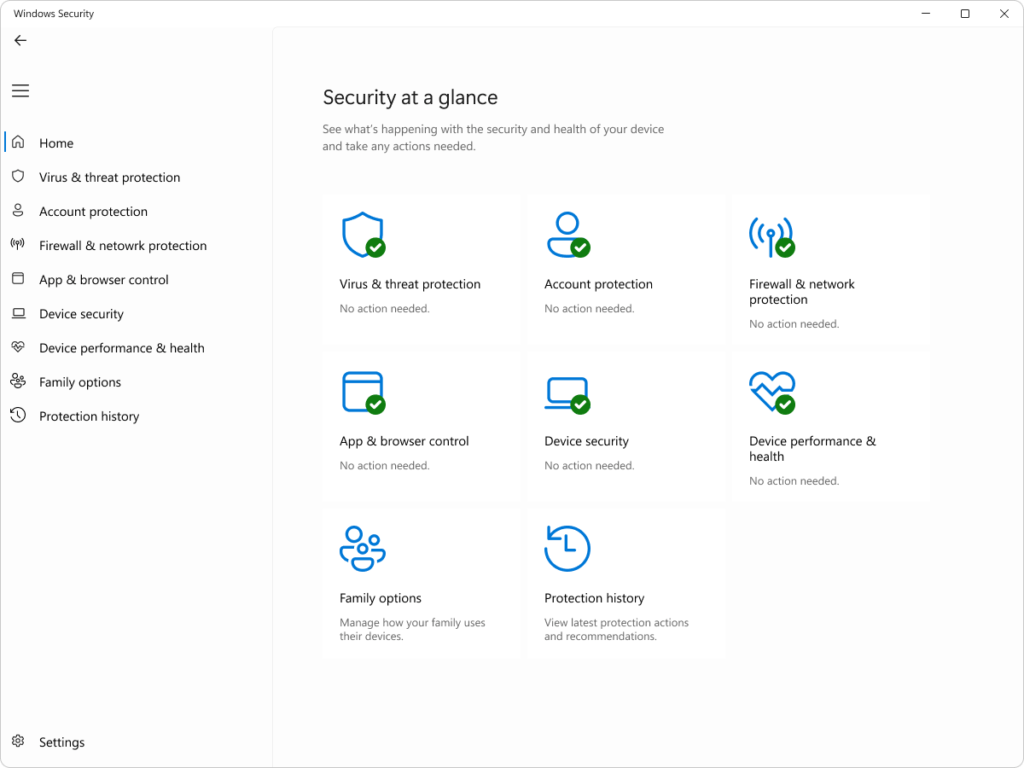
Microsoft Defender Antivirus comes built directly into Windows 11 as part of Windows Security, automatically providing real-time protection against viruses, malware, and other threats. Nothing to download, no separate subscription to keep track of.
Microsoft’s antivirus regularly holds up in independent security testing these days, a real step up from the bare-bones Windows antivirus tools many people still remember from years past. AV-Test’s June 2026 evaluation gave Defender full marks for protection and usability, along with a 5.5 out of 6 for performance. We’ve reviewed Microsoft Defender in more depth separately if you want a closer look at how it works.
Windows Security also bundles in firewall controls, account protection, device security settings, and reputation-based protection against potentially unwanted apps and suspicious downloads. Most of it stays quietly in the background unless Windows actually finds something worth flagging.
You may also like: Microsoft Edge Collections Shutdown: What You Need to Know
The built-in antivirus never expires and doesn’t require a separate subscription either. Microsoft does offer a more expanded Microsoft Defender app through Microsoft 365 Personal and Family subscriptions, but that’s a separate product entirely from the antivirus protection already baked into Windows. For a lot of Windows 11 users, what’s already sitting on their PC is genuinely enough.
Best Free Antivirus Security Suite: Avira Free Security
Avira Free Security makes more sense if you actually want your antivirus software doing more than just scanning for malware in the background.
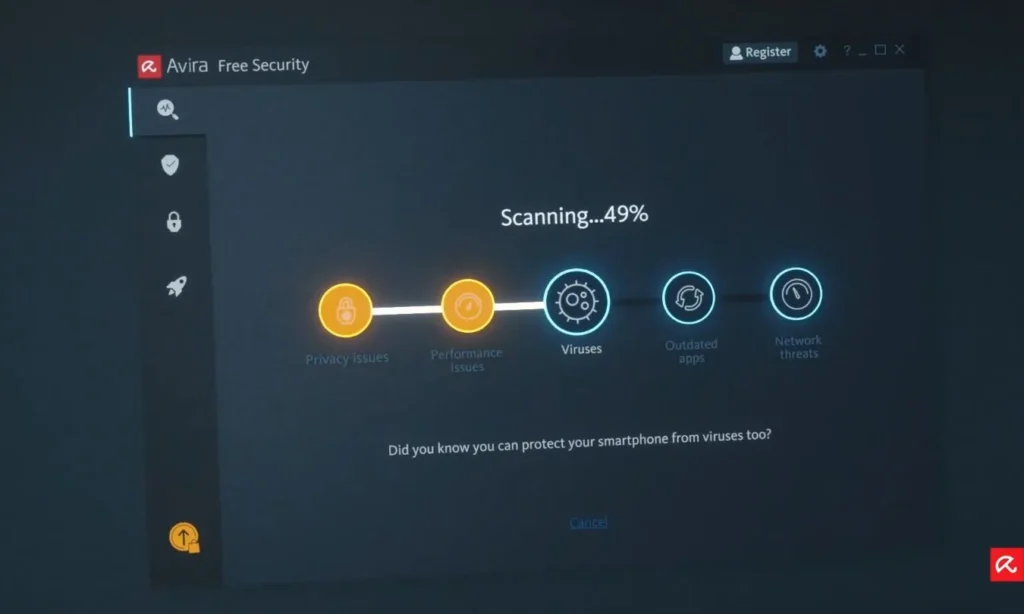
Alongside real-time protection, Avira’s free package throws in browser protection, a password manager, software update checking, and performance tools. There’s a VPN included too, though the free allowance caps out at 500MB per month.
That broader toolkit can genuinely help on a fresh PC where you’re trying to knock out several basic security tasks at once. Vulnerable software, risky websites, and unwanted programs can all cause real problems without technically counting as a traditional computer virus.
You may also like: Excel’s New IMPORTTEXT and IMPORTCSV Functions Simplify Data Import
Just know the feature list looks more generous on paper than the fully unlocked experience actually delivers.
VPN usage stays tightly capped, several utilities come with restrictions, and premium tools remain visible throughout the app, nudging you toward an upgrade. That’s the tradeoff for getting a wider free suite instead of a more narrowly focused antivirus tool.
Best Traditional Free Antivirus: AVG AntiVirus Free
AVG AntiVirus Free remains one of the stronger free antivirus programs around, even with some genuine overlap worth acknowledging on this list.
AVG and Avast share the same parent company along with underlying security technology, which explains why their results in independent testing often come out nearly identical. For most people, there’s little reason to install both or treat them as meaningfully different products.
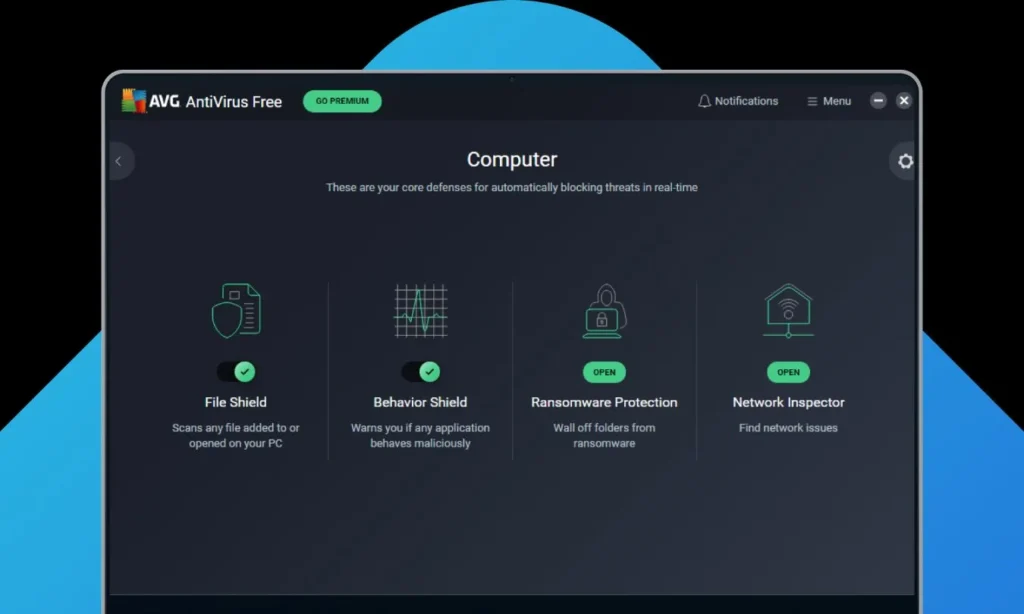
AVG makes the most sense if you prefer a more conventional antivirus app over Avast One’s broader suite approach. The free version delivers real-time protection against viruses, malicious websites, infected emails, and other common threats. It continues performing well in lab testing too, earning full marks across protection, performance, and usability from AV-Test in June 2026.
You may also like: Windows 11 26H1 Build 28000: Everything New in Microsoft’s Arm-Focused Update
Paid security and performance features sit alongside the free tier here as well, but that’s not really why AVG ranks a bit lower on this list. It simply covers a narrower role compared to the other options mentioned.
If you have used AVG for years already and like how it works, there’s no strong reason to switch away from it now.
Best Free Malware Removal Tool: Malwarebytes Free
Malwarebytes Free stands out as the odd one on this list, but that’s exactly what makes it worth keeping around.
Rather than acting as your main, always-on antivirus, Malwarebytes Free shines specifically when you suspect something’s already snuck onto your PC. You can run quick or custom scans, and it’s genuinely effective at identifying and removing malware that’s already causing trouble.
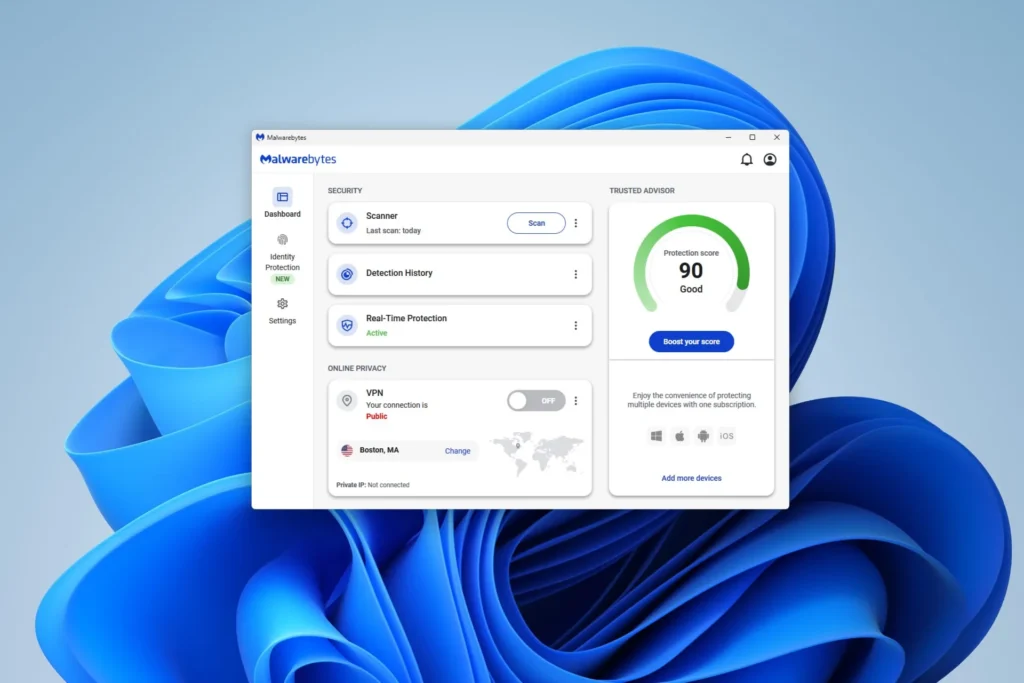
Its biggest limitation shapes how you should actually use it, though. Malwarebytes puts real-time malware, ransomware, and web protection behind its paid subscription tier.
We wouldn’t recommend swapping out Microsoft Defender or another real-time antivirus for Malwarebytes Free and assuming you have got equivalent day-to-day protection. Think of it more as a backup scanner and cleanup tool, something to reach for when your regular security software hasn’t fully put your mind at ease.
What You Get from Free Antivirus?
Basic malware protection in free antivirus software can be genuinely free, but the underlying business model still depends on convincing at least some users to eventually upgrade.
How much that shows up in daily use really depends on the specific product.
Bitdefender keeps most of its free experience narrowly focused on antivirus, saving broader security tools for paying customers. Avast and Avira, on the other hand, show more premium features directly inside their apps, so you will notice more reminders about what you’re missing. AVG lands somewhere in the middle, while Microsoft Defender, being built directly into Windows, largely avoids the usual free-to-paid funnel altogether.
Malwarebytes needs a slightly different framing, since its free tier serves a genuinely different purpose. It’s great for scanning and removing malware after the fact, but ongoing real-time protection sits behind a paywall.
You may also like: Microsoft Releases Emergency Windows 11 Updates to Fix Shutdown and Remote Desktop Issues
It’s also worth staying alert for products labeled “free” that are actually just temporary trials in disguise. Genuinely free antivirus software should keep delivering its advertised core protection even after any introductory period ends, without suddenly demanding payment to keep basic protection running.
Which Free Antivirus Should You Choose?
Bitdefender Antivirus Free remains the easiest recommendation for anyone wanting third-party protection without unnecessary clutter. It handles the core job well without trying to balloon into a full security suite.
Avast One heads in the opposite direction, bundling in more security and privacy features within its free package. Avira Free Security appeals to a similar crowd, especially if extras like software update checking and limited VPN access sound genuinely useful to you.
Windows 11 users who don’t need any of that extra functionality can simply stick with Microsoft Defender Antivirus. No additional subscription needed, and no extra program to install on top.
AVG AntiVirus Free suits anyone who prefers a more traditional antivirus interface, and Malwarebytes Free is worth keeping around specifically for scanning and cleaning up a potentially infected PC, rather than relying on it as your everyday real-time protection.
Do I Need Antivirus Software in 2027?
Yes, PCs still need antivirus protection, but that doesn’t necessarily mean downloading a separate program.
Modern versions of Windows already include antivirus protection through Microsoft Defender, and web browsers come with their own defenses against suspicious sites and downloads.
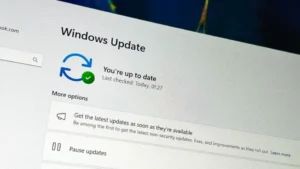
If you’re comfortable relying on these built-in tools, it’s worth double-checking your Windows security settings too, rather than assuming the defaults already cover everything you would want.
You may also like: Windows 11 Bug Locks Samsung Users Out of System Drive
A separate antivirus can still make sense if you prefer its interface, want extra security tools bundled in, or simply feel more comfortable using dedicated security software from a company that specializes in it.
What doesn’t make sense is installing another antivirus purely because you’ve heard Windows Defender is inherently weak. That advice is genuinely outdated at this point.
It’s also worth remembering antivirus software can’t save you from every security mistake. Handing over a password on a convincing phishing page bypasses protection that’s otherwise doing its job just fine, and recent scams have even included fake Google security check pages designed specifically to steal login credentials.
A good password manager helps with part of that problem, but it still doesn’t replace basic awareness of what you’re clicking. Antivirus is one layer of protection, not a free pass to stop paying attention.
Best Free Antivirus FAQ
What is the best free antivirus in 2027?
Bitdefender Antivirus Free earns our top pick for the best free antivirus most people should consider in 2027 if they want dedicated third-party protection. It covers the essentials well without cluttering the experience with unnecessary extras.
Is Microsoft Defender good enough?
For most Windows users, yes. Microsoft Defender Antivirus provides real-time protection built into Windows Security and continues scoring well in independent antivirus testing. Keep Windows updated and follow reasonable security habits, and switching to another free antivirus simply isn’t necessary.
Is free antivirus software safe?
Generally yes, as long as it comes from a reputable security company and genuinely offers ongoing protection rather than disguising itself as a temporary free trial.
You may also like: Microsoft Scales Back Copilot Across Windows 11 Apps and Features
Some products deliver continuous real-time antivirus protection, while others function more as scanners or cleanup tools. Malwarebytes Free, for instance, works well for removing malware after the fact, but it doesn’t provide the same continuous protection you would get from Bitdefender, Avast, AVG, Avira, or Microsoft Defender.
Always download antivirus software directly from the developer’s own site whenever possible, rather than through an unfamiliar third-party download page. Fake download sites remain a genuine problem, including ones that impersonate legitimate Windows apps while actually distributing malware.
Can you run two antivirus programs at once?
Generally, you shouldn’t run two full real-time antivirus programs simultaneously. They can end up interfering with each other, creating unnecessary background activity, or clashing whenever both try to respond to the same file at the same time.
Windows actually handles this automatically with compatible antivirus software. When you install another antivirus and it becomes active, Microsoft Defender Antivirus switches itself off, and it’ll turn back on automatically if you later remove that other antivirus.
An on-demand scanner like Malwarebytes Free works differently, though. You can run it whenever you want without it functioning as a second full-time antivirus layer competing with your main protection.
Does free antivirus slow down your PC?
Any antivirus can affect performance to some degree, since it needs to actively examine files, downloads, processes, and other activity for potential threats. On a reasonably modern PC, though, a well-built antivirus should spend most of its time working quietly in the background without you noticing.
That impact tends to become more noticeable during a full system scan, or on an older machine with limited memory or processing power.
If performance is a real priority for you, a more streamlined antivirus like Bitdefender, or simply relying on Windows’ built-in protection, is probably a better fit than installing a heavier, feature-packed security suite.