Microsoft released a lot of Windows 11 news today, but one simple question matters most to me: does it feel faster?
According to Microsoft’s latest blog post, Windows 11 now responds up to 20% faster, and it includes memory fixes for machines with 8GB of RAM. Those everyday improvements arrive alongside a handful of new features.
How does Microsoft speed up Windows 11?
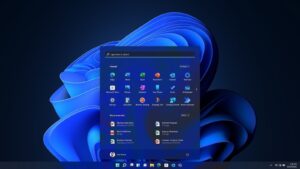
Microsoft says responsiveness, meaning how fast the system reacts when you click or type, now improves by up to 20% across Start, File Explorer, Edge, and more.
There is a catch. The figure comes from comparing two Windows builds on how long Search, Start, and right-click menus take to respond. That makes it a best-case result, not a promise. It is still a step in the right direction, and Microsoft should keep doing this in future builds.
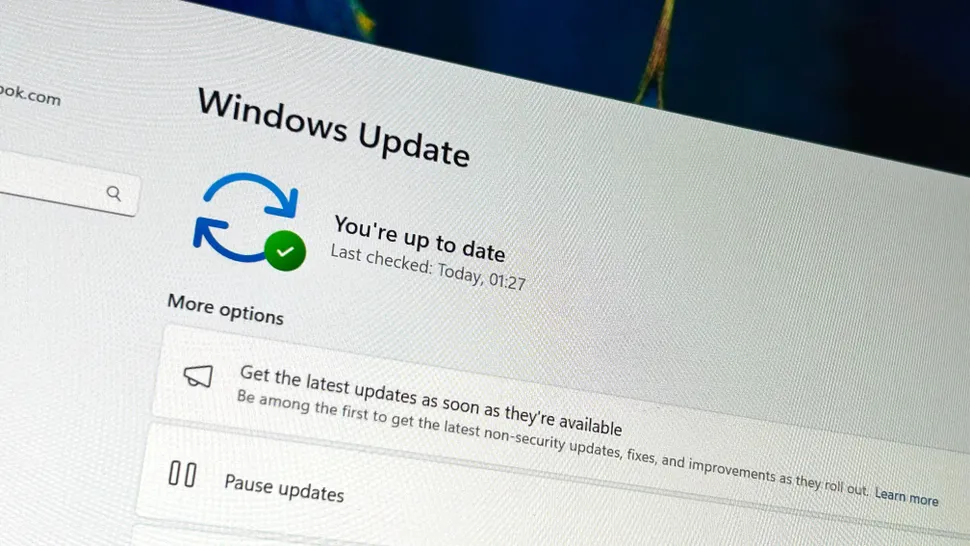
The memory changes look more useful. Your PC can now keep up to 2GB more data from open apps in RAM, its working memory, instead of moving it to the slower drive. I think this should help most 8GB machines, especially if you keep lots of apps and browser tabs open.
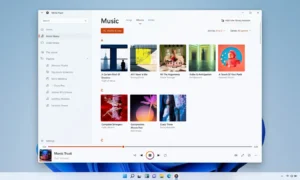
You may also like: Windows 11 Media Player Update: Slower and Memory Heavy
On machines with 8GB of RAM or less, Widgets and the news-and-weather panel stay unloaded until you open them. That saves over 200MB of RAM. The ongoing memory shortage is making it hard for manufacturers to ship high-memory PCs, so Microsoft is finally aiming to improve performance on low-memory machines.
What to expect from the Windows 11 Update and when does it arrive?
Microsoft’s redesigned Photos app arrives first for Windows Insiders, the company’s early-testing group. It brings a faster gallery, object removal, and the Relight feature. Search also gets new actions in the same rollout. Everyone else gets these changes later this year.
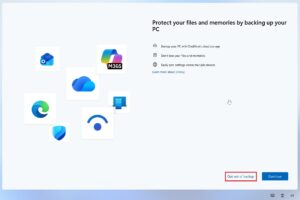
You may also like: Windows 11 Adds Opt-Out Button for OneDrive Backup
Phone links go deeper too. You can read and reply to Android or iPhone messages from Start. Supported Android phones can also run apps in resizable windows on your PC. Microsoft has not given dates for either feature.
If you play games, Advanced Shader Delivery is for you. It uses pre-built graphics code, and Microsoft says it cuts load times to a few seconds in supported games like Forza Horizon 6.