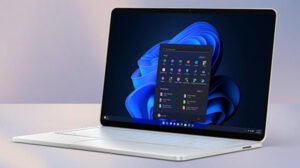
Microsoft just pushed out a new Insider Preview build for the modern Windows 11 Media Player, and it’s not landing well. Testing shows the app eats up more memory and takes longer to open local video files than the old Windows Media Player, a tool that’s been around for 17 years.
To be fair, the update isn’t all bad news. It brings better caption support, clearer error messages when a codec isn’t supported, and improved file recognition.
But the complaints people keep bringing up are the same ones from before: heavier RAM usage and the fact that some common video formats still need paid codecs to play.
Right now, this isn’t something most people will see. Media Player version 11.2605.14.0 is only rolling out to Experimental Insider builds, part of Microsoft’s June 12 round of Insider Preview releases.
Windows 11 Media Player: New Features
This update brings a handful of small changes that actually make sense in daily use. Caption styling now pulls from your Windows system settings, so you can adjust the font size, color, and background straight from the operating system instead of digging through the app itself.
Media Player also added an indexing banner that pops up while it’s scanning a new media library. That should clear up the confusion when a song or video doesn’t show up right away, since now you’ll know it’s just still indexing.
You may also like: Microsoft Edge Collections Shutdown: What You Need to Know
Microsoft also cleaned up several other rough edges in this update. File recognition got better, which should mean fewer playback errors when you open a video or audio file.
If a codec is missing, the app now gives you a clearer message instead of leaving you guessing. Unnamed playlists are blocked now, too, and Microsoft fixed a crash that used to happen when editing your play queue. A few visual glitches got patched as well.
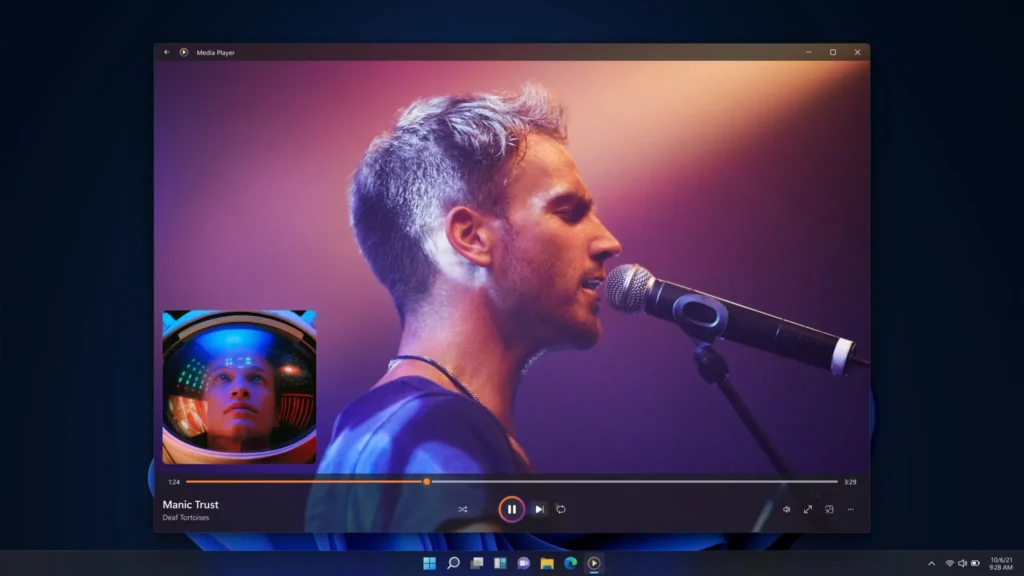
None of these are big headline features, but they matter. This app comes as the default media player on every Windows 11 machine, so even small fixes affect a lot of people.
Why Users Are Unhappy About Windows 11 Media Player Update
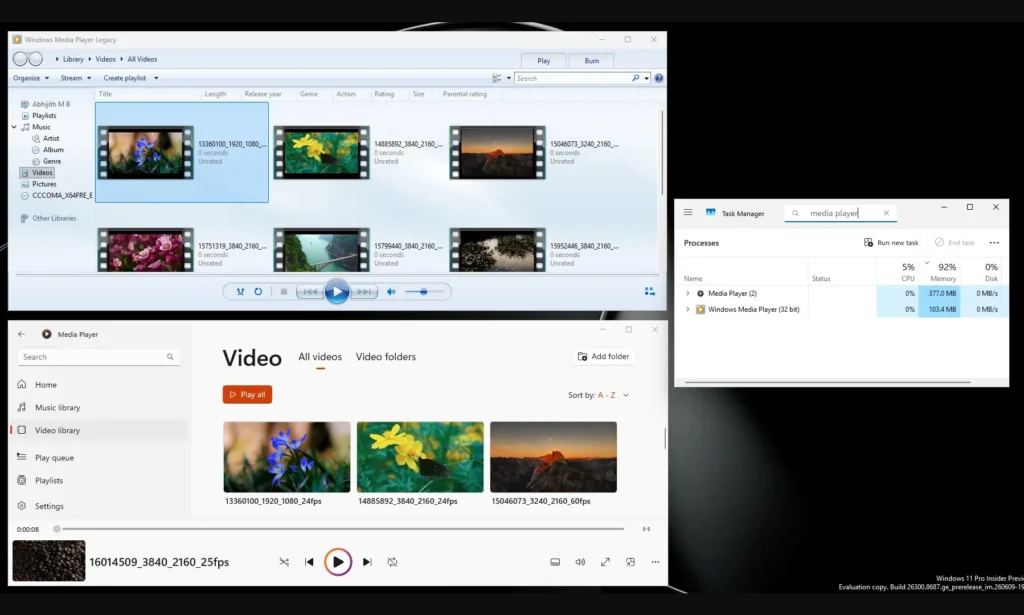
Here’s the catch, though: none of these fixes address the real problems people keep complaining about. Windows Latest ran some tests and found the modern Media Player sitting at around 377MB of RAM just idling in the background.
You may also like: Fake Windows App Sites Spread Malware, 70+ Domains Found
The legacy Windows Media Player, by comparison, used about 103.4MB. That’s a massive gap for an app that’s supposed to do the same basic job.
On top of that, the newer app also took longer to open a local video file during testing. So even with the small improvements in this update, the core performance issues are still sitting there, untouched.
You may also like: Microsoft Copilot Suggested Rename Coming to OneDrive
This is a bad look for a modern app. Opening a local video file and hitting play should be the most basic task a media player handles, nothing fancy about it. So if Microsoft’s newer version is somehow slower at this than the player that came with Windows 7 almost 17 years ago, that’s a sign something went wrong in how this app was built.
Codec support is another sore spot here. HEVC, also called H.265, has become the standard format on most phones these days, including iPhones and a lot of Android devices. But if you’re on Windows and want to play those files in Media Player, you might have to buy Microsoft’s HEVC Video Extensions app from the Store first.
It costs $0.99, which isn’t a lot of money, but it’s still strange that basic playback support comes with a price tag attached.
You may also like: Xbox Smart Download Client: Faster Game Pass Installs
To be fair, there’s a reason behind this. HEVC comes with patent licensing attached, and Microsoft has to pay royalties to support it, so the extra charge isn’t completely arbitrary.
Still, it makes for a rough experience. You shoot a video on your phone, transfer it to your Windows PC, and then get told you need to pay extra just to watch it in Microsoft’s own app. That’s not a great first impression for software that’s supposed to work out of the box.
You may also like: You Can Now Move the Copilot Button Back to the Ribbon
The good news is you’re not locked into that. Free options like VLC Media Player and MPV handle HEVC files just fine without asking for a dime.
There’s another wrinkle, too. Windows 11 version 24H2 dropped built-in AC-3 support, which can mess with Dolby Digital audio playback for some users. Taken together, this update shows Microsoft is putting work into Media Player, but it still has a long way to go.
Until it gets faster, lighter on memory, and less reliant on paid codec add-ons, plenty of people will stick with the alternatives.