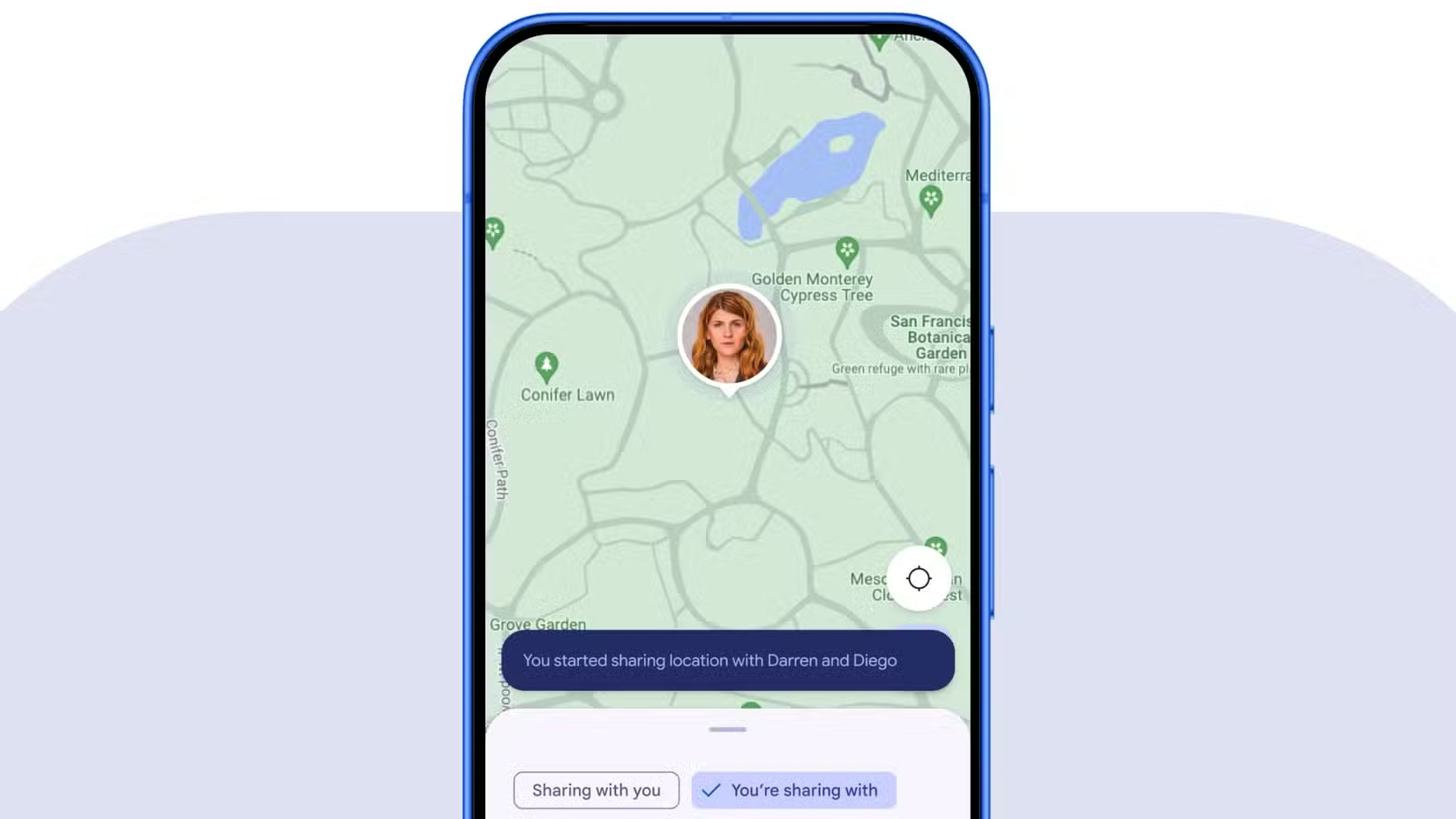
Sharing your live location in Google Messages is handy, but the map you see is pretty basic. Google seems to be working on that. A new beta build adds map styles and live traffic to the location preview inside your chats.
Android Authority found the feature in an APK teardown of Google Messages v20261013 beta. Google is also reworking the look of the Messages app right now. This change is different from those visual tweaks, because it changes what the map can actually do.
The current map is so limited
Right now, any live location you send or receive in Google Messages shows up on the standard Google Maps view, and you cannot change it. If you like the Satellite or Terrain view in the Google Maps app, you are out of luck in Messages.
You may also like: Google Messages Is Getting Real-Time Location Sharing: Here’s How It Will Work
The beta changes that. A new button sits in the upper-right corner of the map. Tap it, and you get the same map type picker that Google Maps users already know, with Default, Satellite, and Terrain options. A Map details toggle also lets you overlay live traffic conditions on the map.
What you can do with the Satellite View and Traffic
Say you are meeting a friend outside a busy mall with several entrances. On the standard map, they look like a dot next to a big gray block. In Satellite view, you can see the exact parking lot and entrance where they are standing.
The traffic toggle helps too. If a friend texts that they are running late, you can check the roads around their dot and see whether they are stuck in heavy traffic.
You may also like: Google Turning Now Playing Into Dedicated App for Pixel Users
Google has not said if or when the feature will roll out. Google Message features often stay in testing for a while, and they usually reach a small group of users first. We will share an update when the rollout starts or when Google says more.