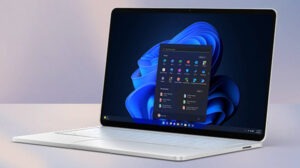

Microsoft has used 2026 to fix several Windows 11 problems that users have complained about for years.
You can now customize the right-click menu. You can repair a broken Windows installation without a USB drive. Windows 11 also runs better on PCs with only 8GB of RAM. These changes were long overdue.
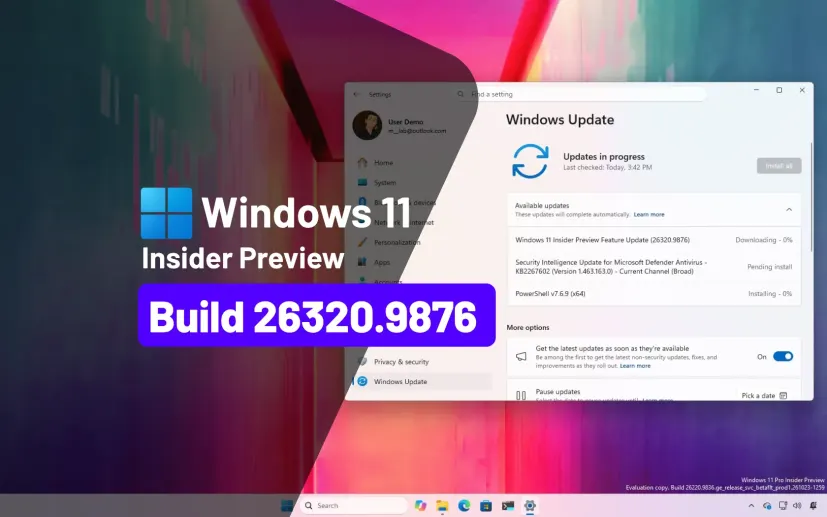
More updates are on the way. Windows 11 Insider Beta Build 26320.9876 arrived on November 6 with upgrades to Search, Windows Hello, and a few other features.
This build also moves the Beta channel to Windows 11 version 26H2. Microsoft says the version number change on its own adds nothing major.
What Windows 11 Beta Build 26320.9876 fixes
Microsoft keeps working on Windows Search so it does more than find files and apps. The newest build gives Search a new look built on WinUI 3. Microsoft says this version returns results faster and makes it easier to move around.
You may also like: Windows 11 Search Upgrade: Inline Controls and Phone Link
You can now run many tasks straight from the Search box. Turn Bluetooth on or off, switch to dark mode, change screen brightness, mute your sound, or arrange your open windows. Microsoft already tested a few of these actions in earlier builds.
Search also handles typos and synonyms better now. That helps, because Windows often fails to find what you want unless you type the exact name. For now, these improvements work only in English.
Windows 11 Beta Build 26320.9876
Windows Hello can now brighten your screen for a moment while it scans your face. This helps when you try to unlock a laptop in a dark room. Live captions also get an update.
You may also like: Windows 11 Update: Up to 20% Faster and Better on 8GB RAM
You can choose to caption your microphone, your system audio, or both at once. Xbox mode adds Quick settings too, so you can change system controls without leaving the interface.
Microsoft has not said when these Insider features will reach everyone else on Windows 11.