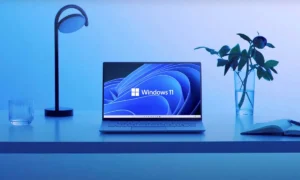

Microsoft is giving Windows 11 Search a sizeable upgrade. It is becoming more useful than a place to hunt for missing files and apps.
The company announced new Insider Preview builds for the Beta and Experimental channels. They bring expanded Search capabilities, along with a new privacy policy for commercial customers.
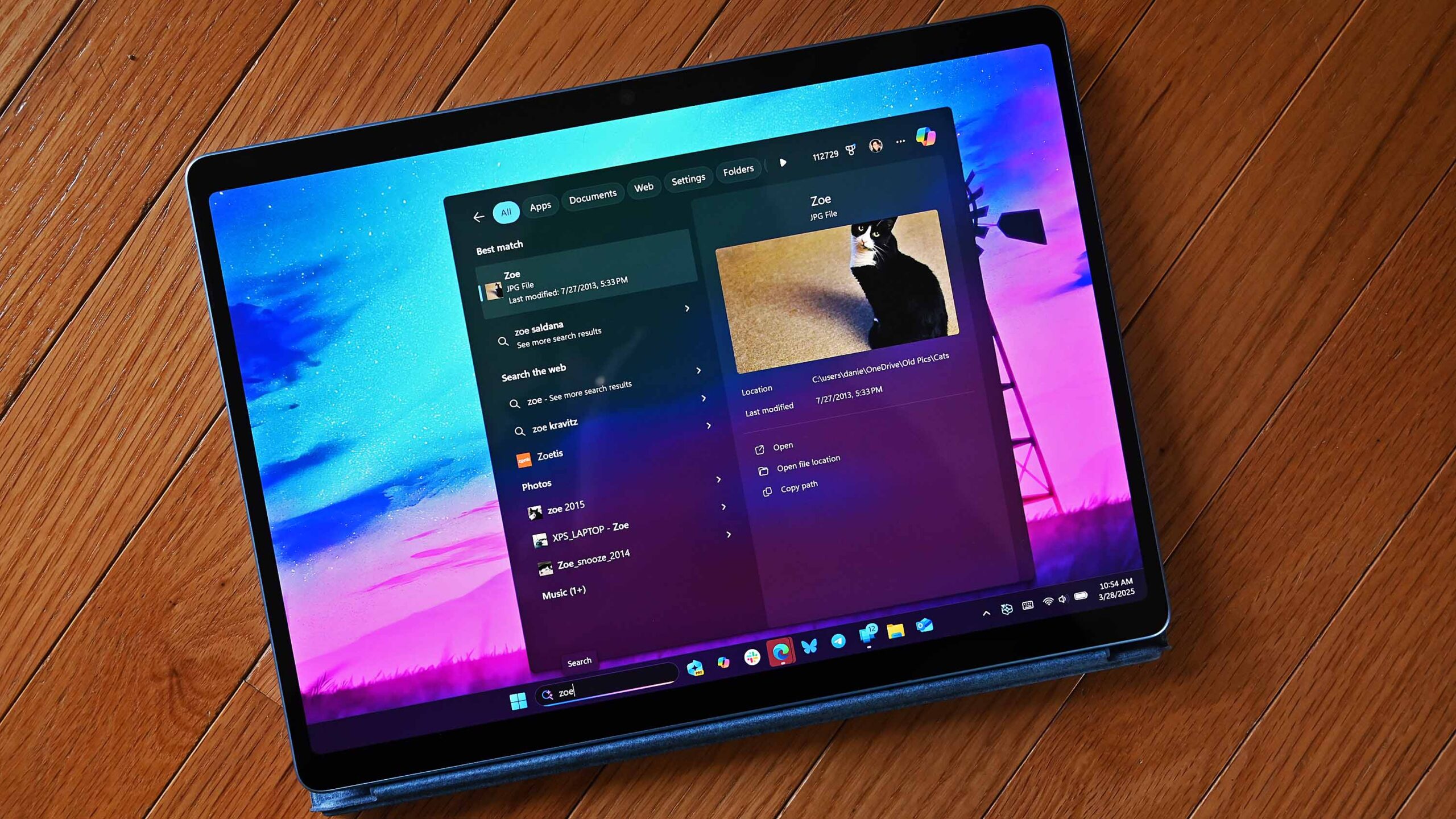
The update is part of Microsoft’s push to make Windows Search more action-oriented. Search used to show you links to settings or applications.
Now it can let you perform certain tasks right from the results panel. You could adjust screen brightness, change the cursor size, or even send a text message without opening another app.
Windows 11 Search Upgrade make Windows 11 more than a file-finding tool
The expanded Search adds inline controls for volume, display brightness, and cursor size. You move a slider right inside the Search results, so you skip the usual trip through Windows Settings.
You may also like: Windows 11 Update: Up to 20% Faster and Better on 8GB RAM
People who switch between a PC and a phone get something more interesting. If you connect a supported phone through Microsoft’s Phone Link, you can make calls, send text messages, and use phone actions such as Do Not Disturb straight from Windows Search. Android support is available now. iPhone support is expected early next year.
Search results are richer too. Windows can now preview files and show details like the last modified date, location, and author.
It can also surface web answers for weather, stocks, and general facts, alongside apps and games from the Microsoft Store. You can turn Store app results on or off in Settings under Privacy & security > Search.
Microsoft is also adding filters for result categories, including files and folders, settings, and actions. You can give individual results a thumbs-up or thumbs-down, and you can remove suggestions from the initial Search view.
Microsoft and Feedback Privacy for Businesses
The October 30 announcement covers more than consumer-facing improvements. Microsoft is also adding a new Intune policy that lets commercial customers keep feedback submitted through Feedback Hub private inside their organisation.
You may also like: Windows 11 Media Player Update: Slower and Memory Heavy
When an organisation turns it on, feedback cannot be published to the public community or shared with anyone outside the organisation’s tenant. Only Microsoft and users within that organisation can see it.
The new features are rolling out through several Insider builds. These include Beta Build 26220.9836 and Experimental Build 26340.9843, plus separate builds for 26H1 and Future Platforms. They are still in testing, so this is not a confirmed rollout for every Windows 11 user.
For everyday users, the bigger takeaway is that Search could become a handy control centre instead of one more Windows feature that only points you to the setting you need.
Whether Microsoft can make it consistently useful in daily use is still an open question.