Ring just rolled out a genuine privacy overhaul with TAKE, short for Throw Away the Key Encryption. This new encryption option becomes the default on every Ring camera starting in September.
It’s Ring’s response to a rough patch of public scrutiny, including backlash over a Super Bowl ad centered on a lost dog feature, along with the company’s long, complicated history with law enforcement partnerships.
TAKE aims to lock down your footage securely without stripping away the smart features that made you buy these cameras in the first place.
How Does TAKE Work?
Here’s how it actually works: Ring encrypts your video with keys that rotate every few minutes. Your footage sits temporarily in a secure cloud enclave, and Ring gets a short window to unlock it for features you have enabled, like searching your videos or getting smart alerts. Once that window closes, the key disappears for good. You hold the only access after that.
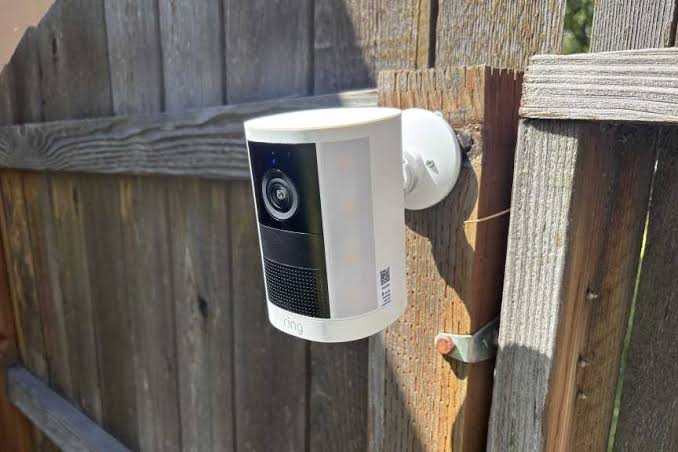
Ring calls this system TAKE and says it draws inspiration from end-to-end encryption. But the two are not the same thing. True E2EE means Ring never sees your keys, period. TAKE is different. It grants Ring brief access every single time your video gets processed.
You may also like: Ring Verify: How to Check If Your Security Camera Footage Has Been Edited
There’s another wrinkle. If you have added Shared Users to your account, they also receive a copy of the master key. And not every camera works the same way here.
Newer models give you the choice to switch between TAKE and full E2EE. Older cameras don’t have that option. They encrypt your footage at the cloud level instead of on the device itself, so TAKE is the only mode they support.
What Happens When Police Come for Footage?
When police make a legal request now, Ring says it can only turn over basic account details and encrypted video files. It can’t hand over footage anyone can actually watch. That said, TAKE still falls short of true end-to-end encryption.
Ring keeps hold of your keys for up to 24 hours, and it can request them again each time you go back to view older clips.
None of this matters if you skip the Ring subscription. In that case, you can use a Ring security hub with a microSD card and store everything locally instead.
You may also like: SweepLED: A $7 Smartphone Tool That Finds Hidden Cameras
If you lost your device, Ring will give you a few ways to get back in. You can recover through cloud backup, a passphrase, a passkey, another device you’ve already authorized, or your camera itself.
If top-tier encryption matters most to you, full E2EE still exists as an option. Just know it turns off most of the cloud features you would otherwise get. For everyone else, TAKE comes standard with any Ring subscription, and it changes how much say you really have over the footage from your own front door.