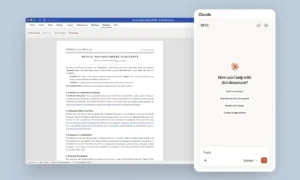
Claude Cowork now comes with its own browser, built right into the desktop app. Before this update, if you wanted Claude to browse the web while working inside Cowork, you had to hand over your own Chrome browser through the Claude in Chrome extension.
That’s no longer your only choice. Claude can now open a separate browser window inside the Cowork side panel and handle web tasks on its own. You keep using your computer for whatever else you need to do while it works in the background.
How is Claude Cowork Different from Chrome?
Claude in Chrome works with your actual browser; it works with your tabs, your logins, whatever page you have open at the time. That’s useful when you’re already sitting on a page and want Claude to help right there. But a lot of web tasks don’t need any of that. They need something that can get online and do the work.
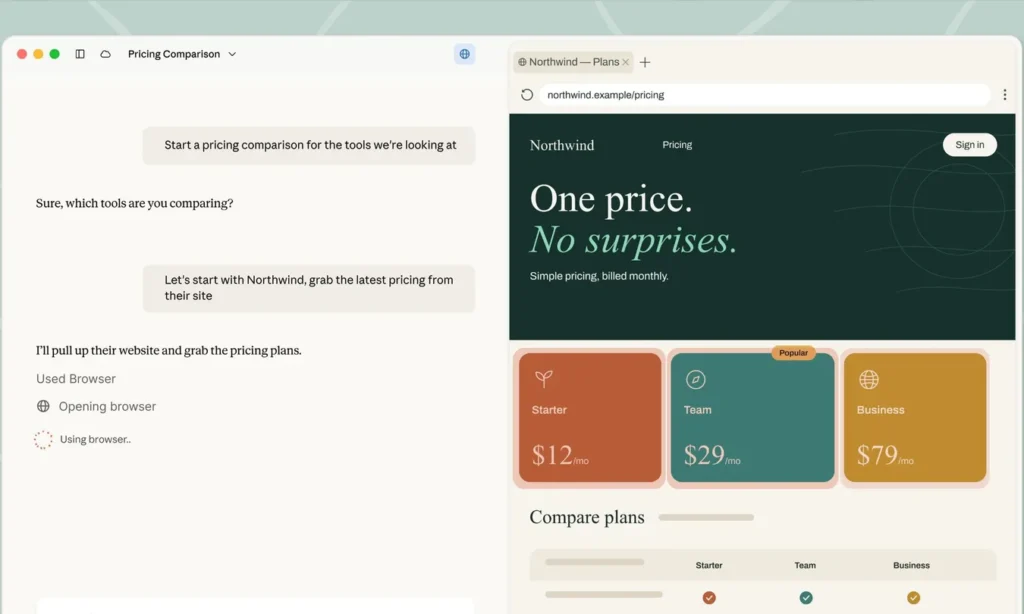
That’s the gap the new built-in browser fills. It runs completely apart from your own browser. Claude has no access to your tabs, your bookmarks, or your saved passwords in this mode. For jobs like pulling research together for a report or grabbing invoices from a vendor site, this is the better fit, since your personal session was never required in the first place.
You may also like: Anthropic Launches Claude for Healthcare with Personal Health Data Integration
If you need to have Claude logged into certain sites, you can choose to bring over logins from Chrome, Edge, or Firefox yourself. Accounts tied to banking, email, or single sign-on stay out of this by default. They only get included if you specifically add them.
Claude Cowork Browsers Safety and Risks
If you have already set up Claude in Chrome, nothing changes for you; that stays the default. If you’re not using it, Claude grabs its own browser without you having to do anything, though you can flip that setting whenever you want in Settings.
You may also like: AI ‘Loss of Control’ Incidents Nearly Double in a Month
The rollout starts this week for people on Pro, Max, and Team plans using the desktop app, on macOS, Windows, and a Linux beta version.
Anthropic isn’t hiding the risk here either. Any AI that can browse the web on its own opens the door to prompt injection, where a webpage hides instructions that try to trick Claude into doing something it shouldn’t.
The protections built for Claude in Chrome carry over to this feature too, and Anthropic’s advice is simple: stick to sites you actually trust before letting Claude work on them unsupervised.