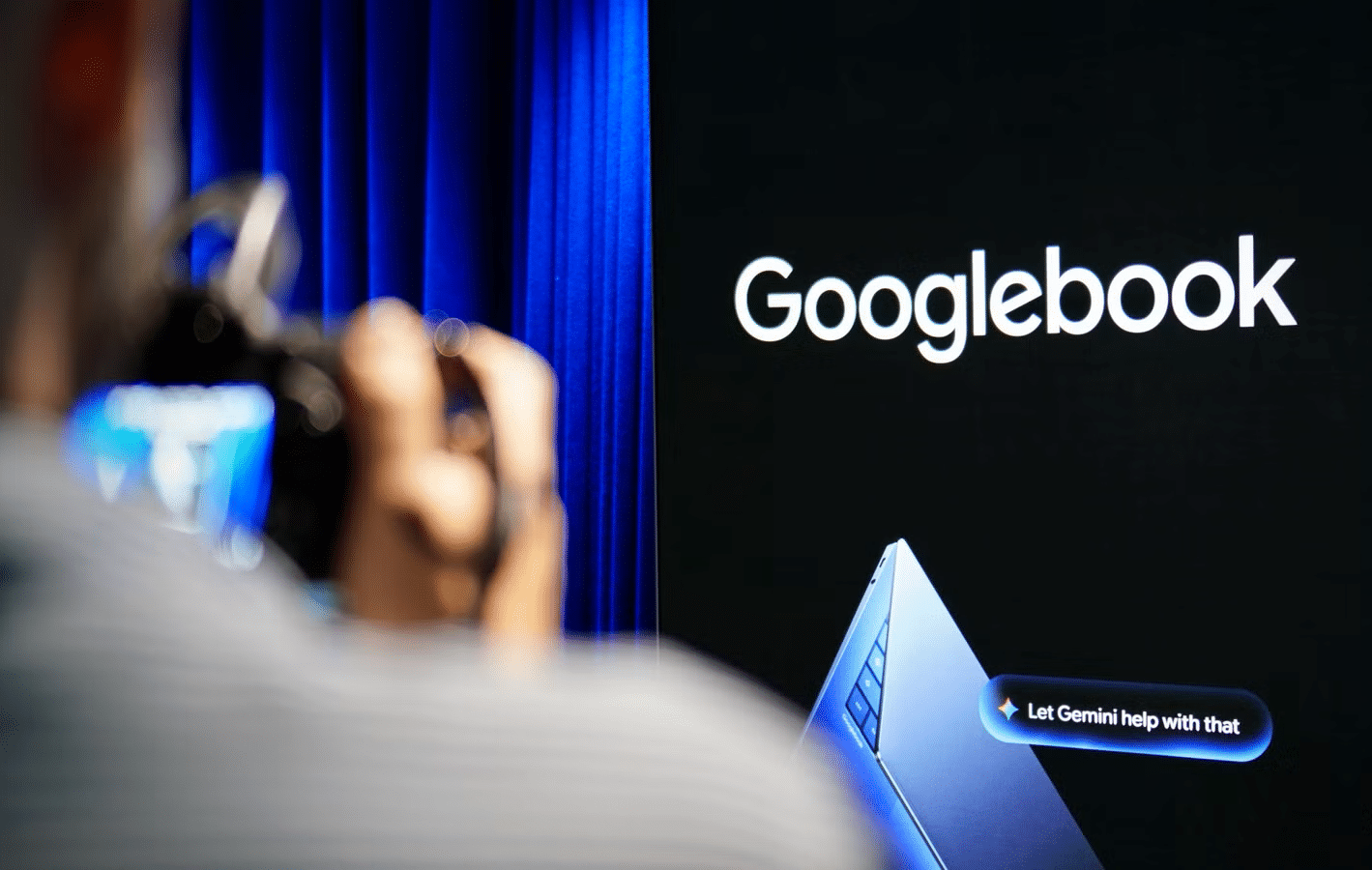
Ask anyone who is thinking about buying a Googlebook what is holding them back, and you will likely hear one answer: apps. Nobody wants to spend $1,000 on a laptop and then run phone apps stretched across a big screen. A new project on GitHub suggests this problem may be easier to fix than we thought.
A developer named MostafaXS1 built the project. It is a tool that turns ArtCraft’s apps into Android packages. ArtCraft is Brandon Thomas’s controversial open-source collection of 13 apps modeled after Adobe Creative Cloud and Microsoft Office. Chrome Unboxed tried the Android versions, and the results are impressive.
What makes the ArtCraft App so different?
Most Android apps look stretched out when they run on a big screen. PhotoCraft, LightCraft, VectorCraft, and the rest of the lineup do not. They look and behave like real computer software.
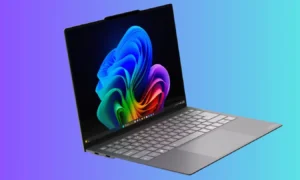
You may also like: Acer Googlebook 14: Specs, Display and What to Expect
The apps are written in Rust and run natively on ARM-based Android hardware, so no web browser sits hidden underneath. You can move tool panels around the screen and edit on multi-track timelines. Your keyboard and mouse control everything.
Should you ignore your current apps?
I would not switch to them just yet. The project’s own tracking puts PhotoCraft at roughly 45% ready for everyday work and LightCraft at around 61%.
You may also like: Lenovo Googlebook 15 Debuts With OLED Screen at $1,099.99
You should expect some awkward menus, no advanced AI generation tools, and camera RAW support that relies on guesswork. Even so, Chrome Unboxed found that using the apps on a laptop already feels like using a real computer.
Why does this matter?
Two developers got 13 complex apps running on Android within a few weeks. That shows Android 17 can already handle serious work. Big software companies have little reason to keep waiting. The next move is theirs.