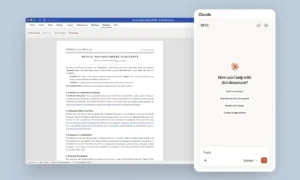
Last month, Microsoft introduced Code as one of the three core parts of its revamped Copilot app. It works as an easy-to-use coding agent.
You describe what you want to build in plain language, such as an app, a tracker, a dashboard, an automation, or a workflow, and Copilot builds it for you.
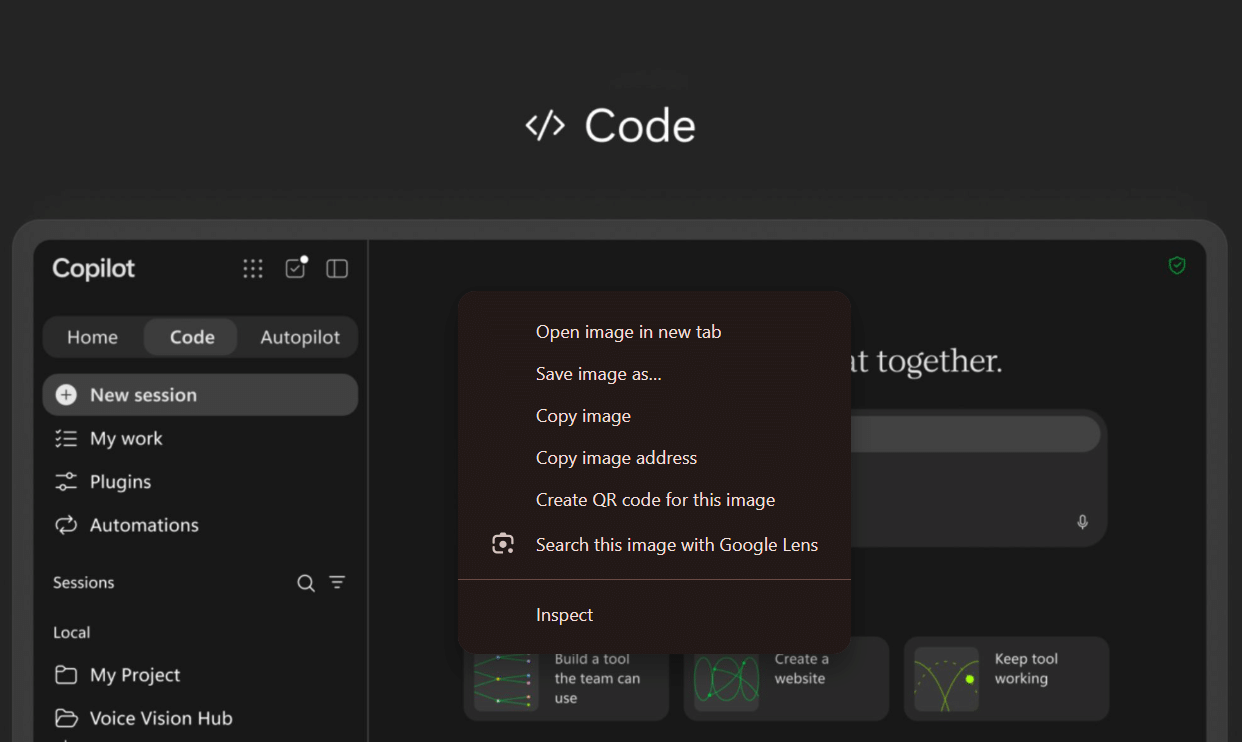
In short, Code is a vibe-coding app made for the workplace. It turns your existing work into a functional app. Microsoft has now started rolling it out through the Frontier program.
How does Microsoft Copilot Code work
Copilot Code begins with a simple question: what do you want to build? You answer in plain language. It then uses Work IQ to pull context from your emails, meetings, documents, chats, and connected data. That context helps it fill in requirements your original prompt left out.
You may also like: Copilot Notebooks Now Lets You Edit Word, Excel, PowerPoint
After Copilot builds the first version of the app, you refine it by giving the agent instructions in plain language.
You can add visualizations, business logic, and new data sources without starting over. If you want to change the underlying code, you can edit it directly, work with local files, and use a terminal.
Microsoft Copilot Code can grow into a real software project
Apps can run on your own machine, or you can publish them to Microsoft’s managed cloud environment and share them across your organization. If a project grows too big for one person to maintain, you can link it to a new or existing GitHub repository and turn it into a draft pull request.
Microsoft says Copilot Code and GitHub Copilot share the same agentic technology, but they serve different people.
Copilot Code suits someone who starts with a work problem and builds a solution around it, even without a developer background. Once a project gets complicated enough to need proper engineering, GitHub Copilot is where developers can take over.