Google is giving the Gemini app on Mac a real upgrade. After bringing Gemini Spark to macOS earlier this year, the company is adding two features that change how you actually use the app day to day. One lets Gemini see what’s on your screen and act on it. The other could replace the dictation app you’re using right now.
Function Key Turns Speech into Text
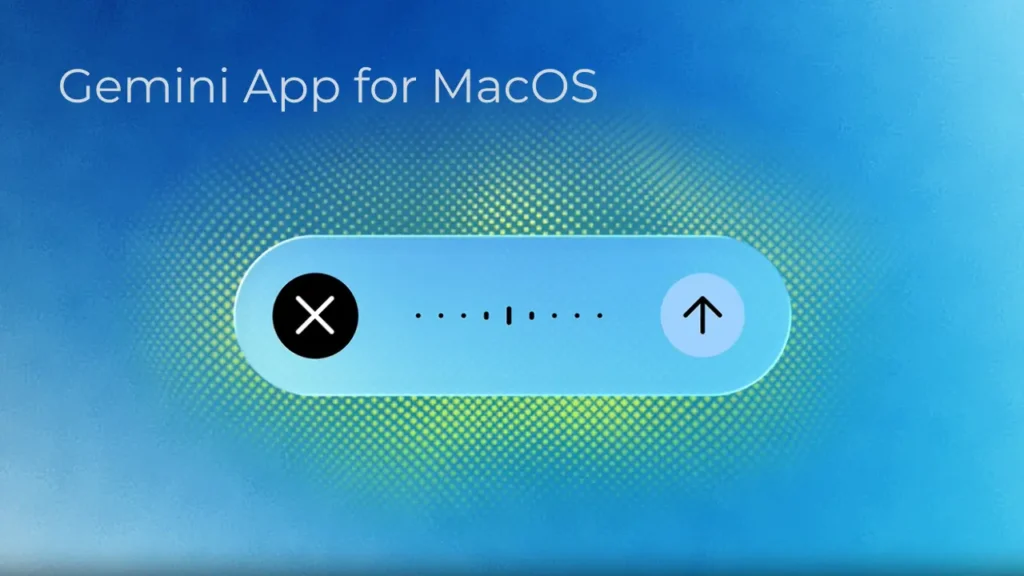
Here’s the update: when you hold down the Fn key anywhere on your Mac, start talking, and Gemini turns your words into clean text right where your cursor sits. It strips out the “ums” and “ahs” automatically. You don’t need to turn this on or dig through settings; it just works, whether you’re writing an email, replying on Slack, or typing up a document.
This isn’t a new idea. Wispr Flow and Willow already do this kind of cleanup, turning your speech into polished text on the go. But you had to download a separate app for that, and often pay for it too. Now that Gemini does it natively, you might not need a dedicated dictation tool anymore, at least not if you’re already living in the Gemini app.
You may also like: Google I/O 2026: Gemini AI, Android 17 and What to Expect
The feature is live for every Gemini app user on macOS right now. English is the only language it handles at the moment, but Google says more are coming later this year.
Gemini App and Your Screen
The second feature is screen awareness, and you have to turn it on yourself. Once you do, Gemini can look at whatever windows you have open and use that as context for bigger requests. Say you’ve got a page of messy notes open. Highlight it, ask Gemini for an executive summary, and it rewrites the whole thing and drops it right at your cursor.
You may also like: Claude Gets 15 New App Connectors for iPhone and Android
Google showed a trickier example too. Someone planning a team dinner highlighted a few files, asked Gemini to check them for budget rules and dietary restrictions, and had it draft a reminder email based on what it found. Gemini even pulled nearby boba shop suggestions from Google Maps and tacked them onto the email as a postscript.
These two features push Gemini on Mac past basic Q&A. It can now listen to you and look at your screen, then actually do something with both. And that puts Google ahead of Apple here. Apple’s own Siri overhaul, which promises similar screen awareness, still hasn’t shipped.