Picking your best CPU shouldn’t feel like a guessing game. Grabbing the priciest chip on the shelf is simple enough, but that’s not the same as picking the right one.
The smarter move is finding an Intel processor that actually delivers good performance without forcing you to overspend on extra cores you won’t use, heavy-duty cooling, or a premium motherboard you don’t need.
That balance matters even more in 2026 as memory prices are climbing fast and component costs are pushing higher across the board.
When Intel first rolled out the Core Ultra 200S desktop chips, they impressed people with strong efficiency and good gains in several productivity tasks. Gaming was the weak spot, though. Results varied a lot from title to title, and that inconsistency held the lineup back. Intel’s answer was the Core Ultra 200S Plus series.
These chips pack in extra E-cores, quicker communication between internal components, better memory support, and a real jump in gaming performance. With this update, Intel actually has a desktop lineup worth paying attention to again.
The Best Intel Processors
| Processor | Best for | Cores/threads | Price to target | Main drawback |
|---|---|---|---|---|
| Core Ultra 5 250K Plus | Best Intel CPU overall | 18/18 | $220 to $230 | Requires a new LGA1851 board and DDR5 |
| Core Ultra 7 270K Plus | High-end gaming and productivity | 24/24 | Under $350, ideally under $300 | High cooling demands; AMD X3D chips remain faster in many games |
| Core Ultra 5 225F | Budget current-generation build | 10/10 | $150 to $170 | No integrated graphics |
| Core i5-14600K | Existing LGA1700 upgrades | 14/20 | Around $200 to $230 | Older platform and 13th/14th-gen stability baggage |
| Core i3-14100F | Gaming PCs under $100 | 4/8 | $90 to $100 | Only four cores and no integrated graphics |
| Core Ultra 9 285K | Top-end gaming PCs | 24/24 | Over $500 | Requires an entirely new LGA 1851 socket board and lags behind AMD X3D chips in gaming |
Intel Core Ultra 5 250K Plus
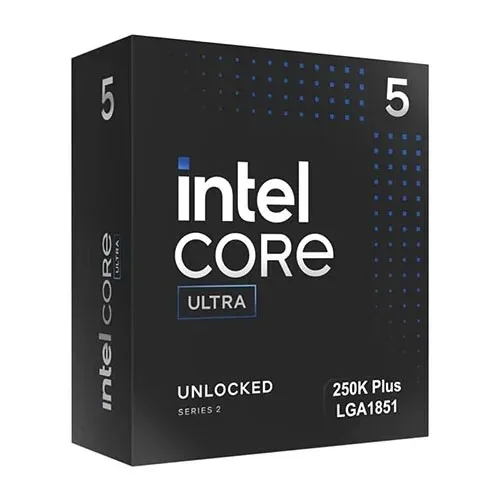
The Core Ultra 5 250K Plus comes with six performance cores and twelve efficiency cores. That’s four more E-cores than you get on the Core Ultra 5 245K. It also runs up to 5.3GHz, supports DDR5-7200 memory out of the box, and sits at a fair 159W maximum turbo power.
Those extra cores show up right away in real work. Testing puts the 250K Plus ahead in rendering, encoding, compression, and video editing. Gaming has improved too. It used to be the 245K’s biggest problem, and that’s no longer true here.
You’ll still see AMD chips like the Ryzen 5 9600X pull ahead in some games, particularly ones sensitive to latency. But once you’re gaming at 1440p or 4K on a decent graphics card, that gap barely registers.
You may also like: Nvidia RTX 5070 12GB Laptop GPU: What You Need to Know
The bigger win is how the 250K Plus stacks up against six-core AMD chips in the same price range. It simply does more.
Here’s the catch: Intel raised the price. The chip launched near $199, then moved up to somewhere between $219 and $229. At $230, it needs to work harder to earn your money.
It still holds the title of best overall Intel CPU, since the added cores and gaming gains make the premium worth paying, as long as it stays close to $40 above the 245K. Push much past that and the math gets shakier.
One more thing before you buy is that this chip needs an LGA1851 motherboard and DDR5 memory. If you’re still on DDR4 or an older Intel board, budget for a platform upgrade too, not just the CPU. And Intel hasn’t promised the Core Ultra 200S platform will stick around for multiple future generations, so don’t buy this chip expecting years of drop-in upgrades. Buy it for what it does right now.
Pros |
Cons |
| Excellent multicore performance | Intel raised the price shortly after launch |
| Better gaming performance than the Core Ultra 5 245K | AMD still has faster options for gaming specialists |
| 18 cores for creative work and heavy multitasking and lower cooling demands than Intel’s high-end models | LGA1851 requires a new motherboard and DDR5 |
Intel Core Ultra 7 270K Plus
The Core Ultra 7 270K Plus puts Intel in an odd spot, since the company still lists the Core Ultra 9 285K as its actual flagship. But for most people shopping at the high end, the 270K Plus is the one to buy.
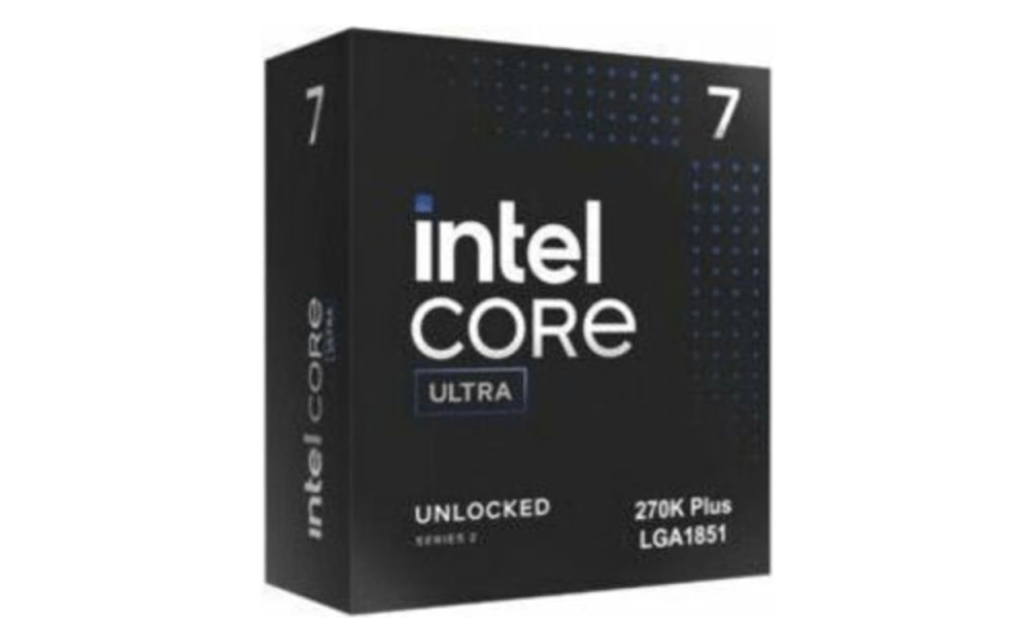
It matches the 285K on core count, with eight performance cores and sixteen efficiency cores for 24 total. Its top clock speed lands a bit lower at 5.5GHz, but tighter die-to-die communication and lower memory latency close that gap in practice. Memory support also moved up to DDR5-7200.
You may also like: Intel Wildcat Lake Leak: Budget PCs Finally Get a Real Upgrade
Gaming performance took a real step forward compared to the original Core Ultra 200S launch. Intel points to a 10% average improvement over the Core Ultra 7 265K across its own testing, and independent benchmarks back up solid gains in multiple games.
AMD hasn’t lost its grip on top gaming performance, though. Ryzen X3D chips still pull well ahead in games that lean on extra cache, so don’t treat the 270K Plus as the fastest gaming CPU on the market overall.
Think of it instead as the best gaming option Intel currently makes, and the pitch gets stronger if your PC also handles rendering, encoding, or development work alongside gaming.
The tradeoffs come down to power and price. Under heavy turbo loads, this chip can pull up to 250W, so plan on a good air cooler or a 280mm to 360mm liquid cooler to keep it in check.
Intel also pushed the recommended price up to between $339 and $349. You’ll find it discounted closer to $280 in some places, and at that price it stands out as one of the better high-end CPU deals you can get right now.
Pros |
Cons |
| Intel’s fastest gaming desktop CPU | AMD X3D processors remain faster in many games |
| Excellent performance in heavily threaded applications | Revised price is much less aggressive |
| 24 cores without Core Ultra 9 pricing, and frequently matches or surpasses the Core Ultra 9 285K | Limited platform longevity |
Intel Core Ultra 5 225F
The Core Ultra 5 225F gives you 10 cores total: six performance cores and four efficiency cores. It tops out at 4.9GHz, with a 65W base power rating and a max turbo power of 121W. That’s a much easier number to deal with than what you see on the unlocked K-series chips.
You may also like: Nvidia RTX 5050 9GB Leak: GDDR7 Memory at 130W TDP
For a mainstream gaming build, this chip does the job well, especially paired with a midrange graphics card running at 1440p. It won’t match the 250K Plus on heavy multicore work, and some AMD chips at a similar price will beat it in games. What it does offer is a cheaper way into the LGA1851 platform for Intel buyers.
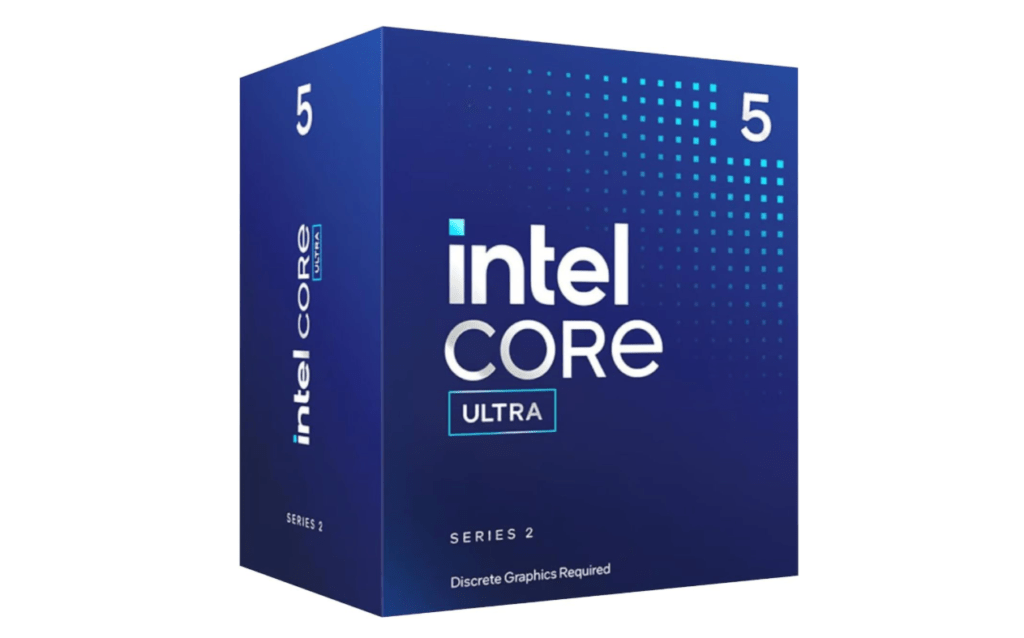
That F at the end of the name means no integrated graphics. If you’re building around a dedicated graphics card, that’s not a dealbreaker. Just know you’re giving up a handy troubleshooting option if your GPU ever fails, along with Intel’s Quick Sync media engine. If your PC also handles video work, look at the standard Core Ultra 5 225 instead, or step up to the 250K Plus.
It’s worth thinking through before you buy: a $150 chip paired with a $170 motherboard and new DDR5 memory can end up costing more, for less, than a discounted LGA1700 setup or an AMD bundle. Run the numbers on your full build before deciding.
If you do go with the 225F, put it on a reasonably priced B860 board rather than a high-end Z890 one, since you won’t need the extra headroom. And you can skip the expensive cooler entirely here; this one runs cool enough without it.
Pros |
Cons |
| Affordable entry into Intel’s current desktop platform | No integrated graphics |
| Six P-cores and four E-cores | Motherboard and DDR5 costs can undermine its value |
| Modest 65W base power and good gaming performance with a discrete GPU | Weaker than competing Ryzen chips in some games |
Intel Core i3-14100F
Four cores might sound behind the times in 2026, but don’t count out the Core i3-14100F if you’re building on a tight budget. It packs four performance cores with Hyper-Threading, giving you eight threads, and boosts up to 4.7GHz.
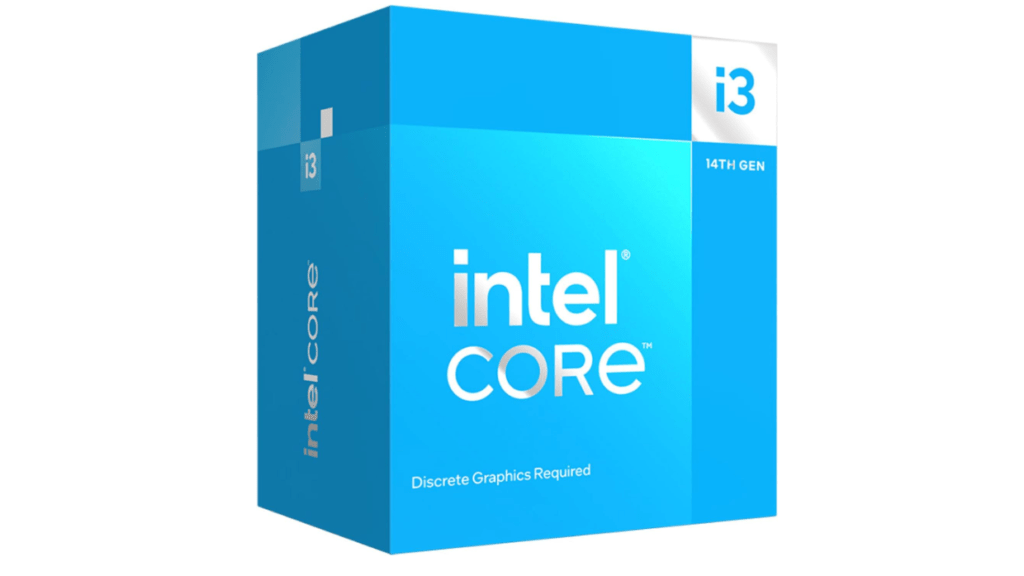
For a budget system built around esports titles or mainstream single-player games, this chip holds up well. Part of the appeal comes from what surrounds it. The 14100F runs on LGA1700 boards, including cheap B660 and B760 options that still use DDR4.
That means you can reuse affordable memory and skip an expensive motherboard, which saves you more money than hunting down a slightly cheaper CPU would.
You may also like: Intel Arc Pro B70 Leak: 32GB VRAM Workstation GPU Launch Expected Soon
The four-core setup is also where the compromise shows up. Simulation-heavy games, background apps running while you play, streaming, and newer open-world titles tend to want six cores or more.
The 14100F handles a strict budget build just fine, but don’t buy it expecting it to hold up for years down the road. And like every Intel chip with an F at the end, there’s no integrated graphics here. You’ll need a discrete GPU, no way around it.
Pros |
Cons |
| Good entry-level gaming performance | No integrated graphics |
| Frequently available for around $100 | Limited performance headroom |
| Low power and easy cooling, and it includes eight processing threads | Dead-end LGA1700 platform |
Intel Core i5-14600K
When the Core i5-14600K launched, it barely moved the needle over the Core i5-13600K. Our testing found the two chips landing close enough that paying for the newer one made little sense at the time. What’s changed is the price and the calendar. It’s now discounted regularly, and it also happens to be the last CPU you can drop into an LGA1700 board.
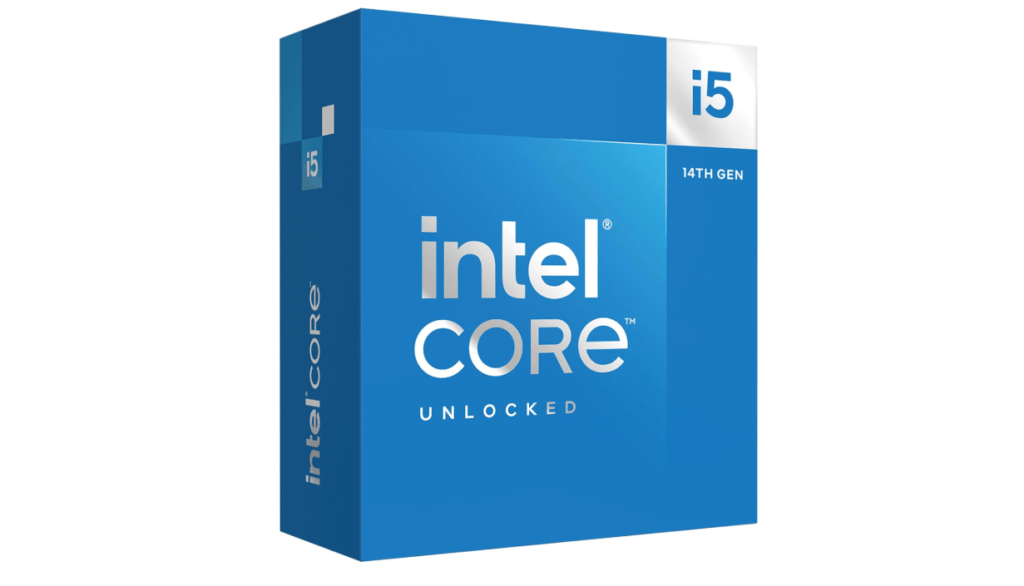
Specs-wise, you get six performance cores, eight efficiency cores, 20 threads total, and a turbo clock up to 5.3GHz. Gaming stays strong, and those extra E-cores give it real muscle for streaming, editing, and everyday productivity work.
You may also like: KAMRUI Hyper H2 Mini PC with 40% Off Intel Core 14450HX Deal at $459.99
Whether this chip makes sense for you depends almost entirely on what you already own. If you’re running a Core i5-12400, a Core i5-12600K, or an entry-level 13th-gen chip, upgrading to the 14600K gets you a real performance jump while you keep your existing motherboard and memory. If you’re building a new PC from zero, though, put your money toward the 250K Plus or an AMD AM5 build instead.
One thing you shouldn’t skip past is that there are stability problems that hit Intel’s 13th and 14th generation chips. Intel’s fix is to update your motherboard BIOS to microcode 0x12F or newer and run the chip on Intel Default Settings rather than whatever the motherboard maker set by default.
Processors caught up in this issue also got their warranty extended by two extra years, bringing total coverage up to five years from your purchase date. Worth checking if yours qualifies.
Power draw sits at a 125W base, climbing to around 181W under turbo. Don’t cheap out on cooling here. A good dual-tower air cooler or a proper liquid cooler will serve you well, especially if you’re running long rendering or encoding jobs regularly.
Pros |
Cons |
| Strong gaming and productivity performance | Poor choice for a completely new platform |
| 14 cores and 20 threads, and it works with many existing 600- and 700-series boards | Can draw up to 181W |
| Supports DDR4 or DDR5 depending on the motherboard | LGA1700 has no meaningful upgrade path left |
Intel Core Ultra 9 285K
The Core Ultra 9 285K is impressive, but not good, and that’s really the fairest way to sum it up. In creative and professional apps, it’s a monster. But step into gaming, and it falls behind the best CPUs we’ve tested in recent years. A handful of non-gaming apps stumble too.
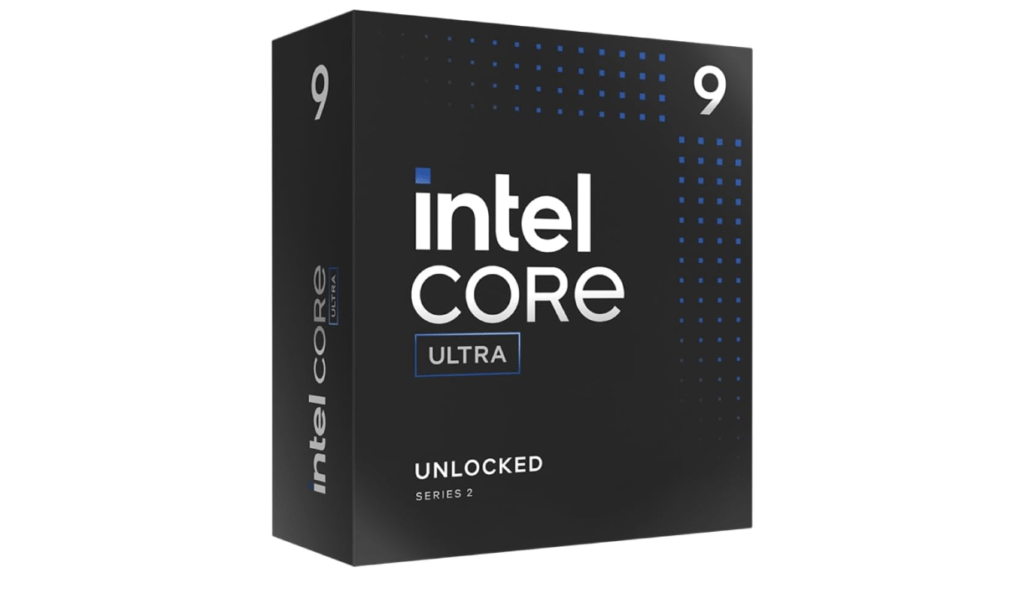
Part of that comes down to how new this chip is. It runs a new architecture and drops simultaneous multi-threading entirely. Even without that, it still puts every core to good use, and the payoff shows up clearly across a wide range of applications. Efficiency is another bright spot. Intel hasn’t run this cool at the flagship level in a while, and that alone is a welcome change.
You may also like: Corsair RM1000x PSU deal just drops from $209.99 down to $169.99
Gaming is where things fall apart. Some titles run fast on this chip, others noticeably slower, and AMD’s gaming lineup leaves it in the dust across the board.
If you’re not locked into Intel, the Ryzen 9 9950X is worth a serious look. It won’t wow you the same way in creative work, but it plays games with far more consistency than the 285K does.
Pros |
Cons |
| Insane efficiency improvement | Gaming performance struggles |
| Delivers multi-threaded performance gains without Hyper-Threading | Inconsistent productivity performance |
| Runs very cool in games. A lot of headroom for CPU and memory overclocking | High-end memory required for best experience |
Final Thoughts
If you want the best all-around Intel CPU right now, get the Core Ultra 5 250K Plus. It fixes what was wrong with the original Arrow Lake lineup and gives you strong gaming and productivity performance for a fair price, as long as it stays close to $40 above the standard 245K.
Building at the high end and want the strongest option Intel actually sells? Skip the 285K and get the Core Ultra 7 270K Plus instead. It matches the flagship on core count, gains real ground in gaming, and costs less. Just budget for serious cooling since it can pull up to 250W.
Working with a tighter budget but still want the LGA1851 platform? The Core Ultra 5 225F gets you there for less money, though you’ll want to check your total build cost against an AMD bundle or a discounted LGA1700 setup before committing.
You may also like: Snapdragon X2 Plus vs Apple M4: Benchmark Results Show Mac Performance Lead
Building for under $100? The Core i3-14100F still holds up for esports and mainstream single-player games, especially since it lets you reuse cheap DDR4 memory and an affordable motherboard. Don’t expect it to age well if you’re chasing newer, heavier titles.
Already own an older Intel platform? The Core i5-14600K makes sense as an upgrade if you’re coming from a 12th-gen or entry-level 13th-gen chip, since you keep your motherboard and memory. If you are starting new, then put your money elsewhere. And check whether your chip qualifies for Intel’s extended warranty coverage tied to the 13th- and 14th-gen stability issues.
As for the Core Ultra 9 285K, it’s a strange case. It dominates creative and professional work but loses to AMD’s best chips in gaming, sometimes by a wide margin. Unless your workload leans heavily toward rendering, encoding, or other multicore tasks, the 270K Plus or even AMD’s Ryzen 9 9950X will serve most people better.
The bottom line is that Intel’s lineup finally has real direction again in 2026. Figure out what you actually do with your PC first, then match the chip to that, instead of chasing the biggest number on the box.