
Buying a game for the Steam Deck has always involved some guesswork. Valve’s Verified badge tells you whether a title should run on the handheld, but it says nothing about how smooth the game will feel. A game can be fully compatible and still struggle to hold a decent frame rate.
Valve has now added a feature that should make those buying decisions easier. Starting November 10, you can see the average frames per second (FPS) of a game right on its Steam Store page. The numbers come from real performance data collected from other Steam Deck players.
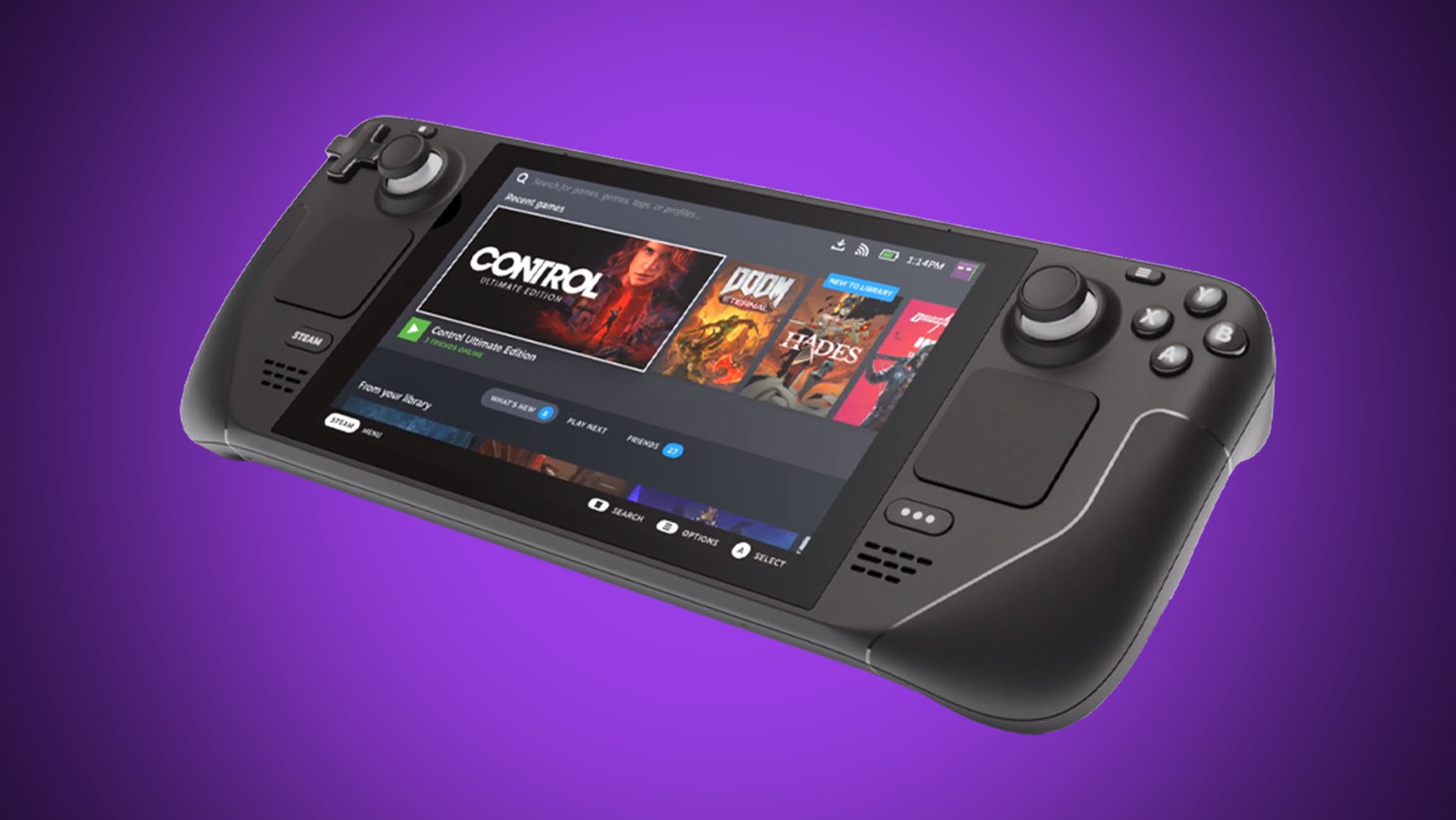
Valve’s official announcement says the feature already covers thousands of games. More titles should get performance data over time.
Steam Deck Now Shows Valve’s Verified Badge
You will find the new performance data under Steam Deck Compatibility > Learn more on a game’s Steam Store page. It appears for any title that went through compatibility testing, including Verified, Playable, and Unsupported games.
Valve does not use its own internal benchmarks for this. The system collects anonymized frame-rate data from Steam Deck owners who chose to share their performance statistics.
You may also like: Steam Machine Price Increase Expected Due to Memory Shortage in 2026
Steam also adds an expandable histogram that shows how often a game runs at each frame rate. This matters because an average of 40 FPS does not mean the game holds 40 FPS the whole time. Frequent drops and stutters can make the real experience worse than the number suggests.
Valve admits that its verification system does not match everyone’s expectations. Some Unsupported games may run well enough for certain players. Some Verified games may miss the performance targets other players want.
Valve’s Verified Badge Makes The Future Look Promising
Valve only counts data from Steam Decks that run at their default frame limits. That means 60 FPS for the LCD model and 90 FPS for the OLED model. The numbers also ignore each player’s graphics settings, so they reflect a mix of setups and not a standard benchmark. A game needs enough player data before its stats show up.
You may also like: SteamOS Expands Beyond Steam Deck With Steam Machine Rollout
You can see the data on Steam Store pages. Steam Library integration works only if you run the Steam Client Beta.
Valve plans to take the feature beyond the Steam Deck as well. It already asks desktop Steam Beta users to share anonymized performance data, which could lead to similar insights across many more types of gaming hardware.
This is a welcome change, especially as new games demand more from your hardware. When you know what performance to expect before you pay, the Steam Deck’s huge game library feels less intimidating.