MSI’s major announcements this year centered on business and AI devices across laptops, desktops, and all-in-one PCs.
The company also introduced a glacier blue color option for the Claw 8 AI+ handheld and refreshed its desktop components, creating an updated ecosystem. But four new products stood out from MSI’s lineup as genuine innovations rather than simple chipset upgrades or cosmetic changes.
Most tech announcements at trade shows were just about minor updates. Companies swap in newer processors, add a new color, and call it a new generation. The performance improves marginally, but the actual product experience stays largely the same.
MSI did some of that with the Claw 8 AI+ color variant and desktop component refreshes. Those updates matter to some buyers, but they don’t fundamentally change what the products do or how people use them.
The four products I’m focusing on show the actual innovation. New form factors, new capabilities, or solutions to problems that previous products didn’t address.
These are the devices worth paying attention to if you want to see where MSI is heading rather than just incremental improvements to existing product lines.
Business and AI focus makes sense given current market trends. Companies are investing heavily in AI-capable hardware to boost productivity.
Customers often pay premium prices for devices that improve efficiency or enable new workflows. MSI is clearly targeting customers with specialized hardware rather than focusing only on gaming, which has been their traditional strength.
Raider 16 Max HX
This year, CES didn’t bring brand new gaming processors, but MSI still pushed the Raider 16 to deliver even more power.
The Raider 16 Max HX promises an incredible 300W of power, making it MSI’s “most powerful laptop ever.” That claim means something considering how much power last year’s Raider A18 HX already packed.
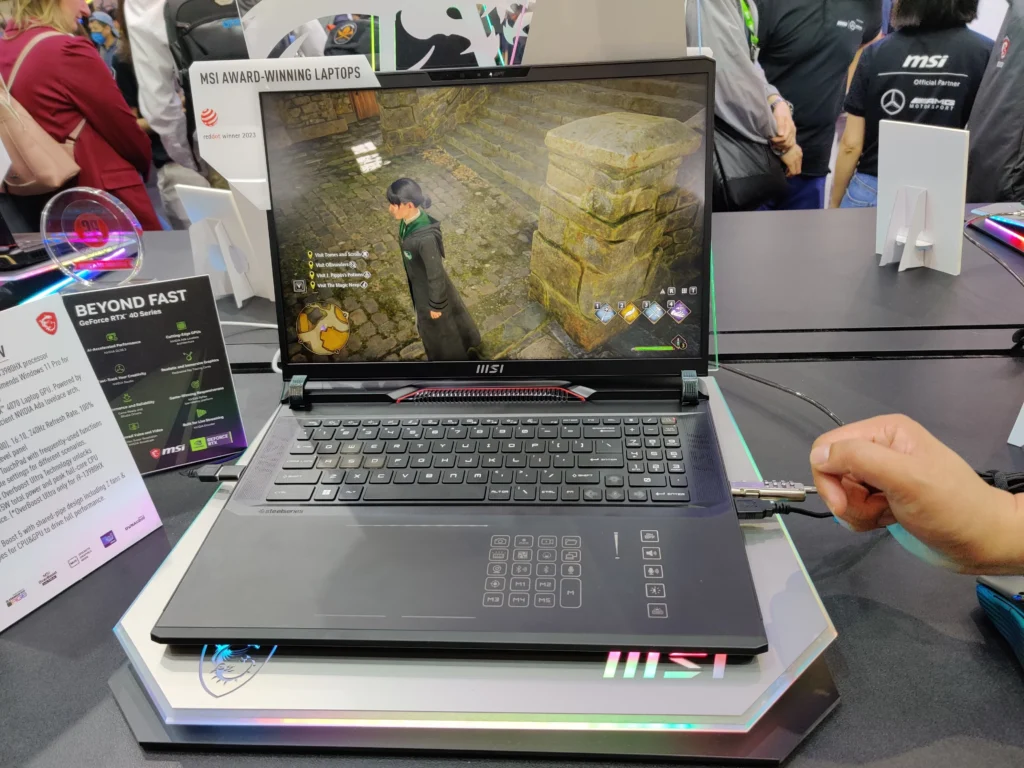
The Raider 16 Max HX distributes its 300W between the processor and graphics card. The Intel Core Ultra 200HX CPU draws 125W, while the Nvidia GeForce RTX 5080 or 5090 GPU draws 175W. This split gives you massive processing capability and gaming performance in a portable package.
Most gaming laptops operate around 150-200W total power. High-end desktop replacement laptops might reach 250W.
You may also like: Corsair RM1000x PSU deal just drops from $209.99 down to $169.99
MSI is pushing well past typical laptop limits with 300W. That means better frame rates and faster render times, but also more heat generation and reduced battery life when running unplugged.
MSI included a quick-access panel on the bottom cover for easy memory and storage upgrades. You don’t need to lose the entire laptop to add more RAM or install a larger SSD. Just remove a few screws, lift the panel, and swap components yourself.
This upgrade path matters because the Raider 16 Max HX will cost more than what many people pay in monthly rent.
When a laptop costs that much, you want it to remain useful for years. Adding RAM as programs become more demanding, or installing larger storage as your game collection grows, to keep the laptop more relevant.
Many premium laptops permanently solder RAM to the motherboard, making storage upgrades complicated. MSI’s design gives you real control over your investment.
Prestige 14 Flip AI
The Prestige 14 Flip AI shares similarities with last year’s Summit 13 AI+, but ditches the black-and-gold color scheme for the newer, sleeker Prestige design. It also upgrades to Intel’s Core Ultra 300 series processors.
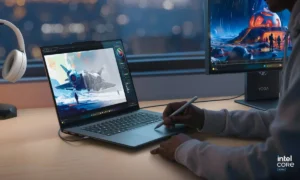
The Prestige 14 Flip comes with the MSI Pen 2 stylus and a 360-degree convertible hinge that lets you fold the screen all the way back. This makes it the most portable and versatile option in MSI’s new Prestige lineup.
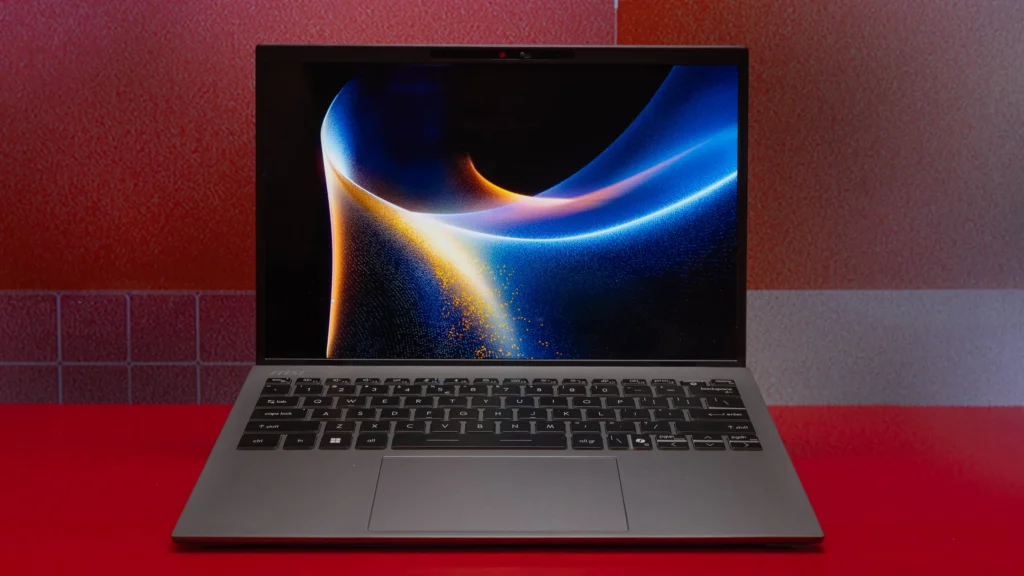
The 360-degree hinge gives you multiple usage modes. Laptop mode for typing and productivity work. Tent mode for watching videos on a desk or table.
You may also like: Tianma 27″ QHD 610Hz Oxide Display monitor for your fastest games
Stand mode for presentations, with the keyboard facing down. Tablet mode, when you fold it completely flat for drawing or note-taking with the stylus.
This flexibility matters for people who use their laptops in different situations throughout the day. Start your morning typing emails in laptop mode. Attend a meeting and take handwritten notes in tablet mode. Watch a tutorial video during lunch in tent mode. This laptop adapts to multiple scenarios, rather than forcing you to work the same way all day.
The MSI Pen 2 stylus has another functionality. You can sketch, annotate documents, take handwritten notes, or mark up PDFs directly on the screen.
These features are for designers, students, business professionals who review documents, or anyone who thinks better with a pen than a keyboard.
The Prestige design language is more professional and subdued than the Summit’s flashy black-and-gold scheme. Some people prefer understated elegance for business settings where gaming-style aesthetics feel out of place.
MPG 27QRF X36
Fast OLED displays filled CES this year, but the MPG 27QRF X36 stands out as one of the better options. It runs at 360Hz with 0.5ms response time. The panel includes Nvidia G-Sync Pulsar for motion clarity and variable refresh rate support.
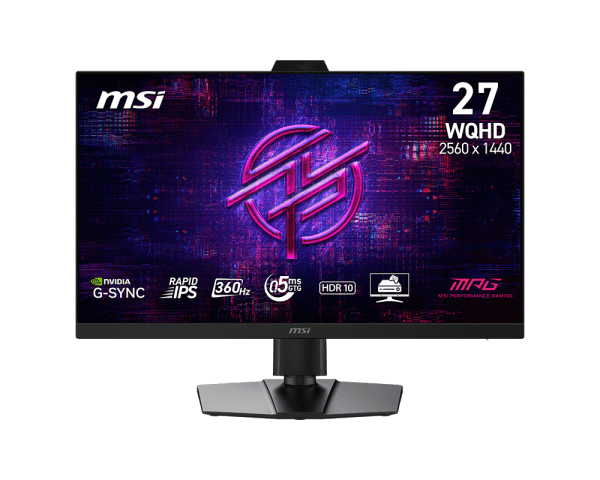
OLED provides perfect blacks and excellent contrast compared to LCD panels. Combined with a 360Hz refresh rate, you get both visual quality and competitive gaming performance.
You may also like: Acer’s Predator XB273U F6 gaming monitor with a 1,000Hz refresh rate
The monitor includes a built-in webcam, eliminating the need for a separate webcam that would clutter your desk. The design stays clean with a sturdy base that doesn’t wobble.
Vision RS AI 2nd Gen
MSI updated the Vision RS AI desktop this year. The Vision RS AI 2nd Gen features a curved, seamless glass panel and an all-white case. This powerful liquid-cooled machine handles AI model processing or gaming without struggling.
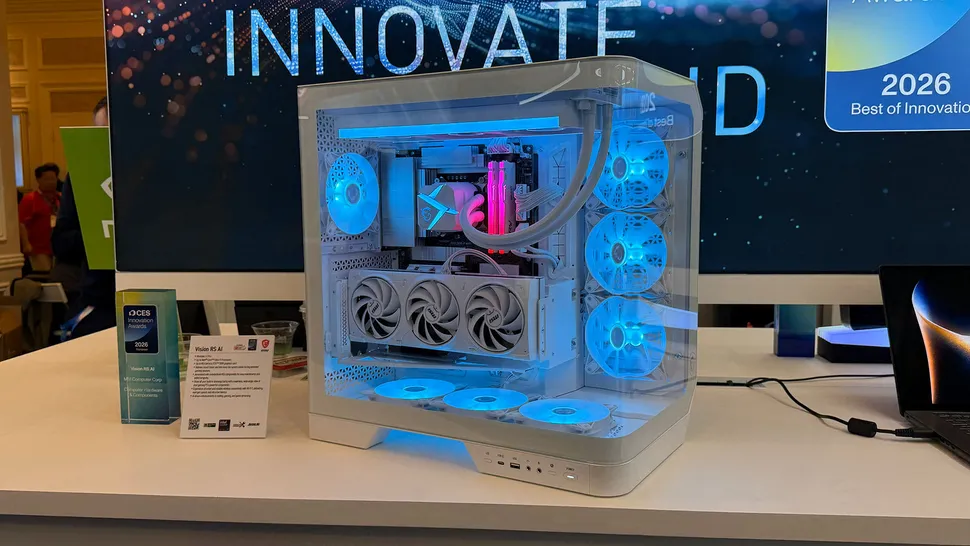
It’s a standout design. Instead of the RGB-heavy aesthetic most gaming PCs use, the Vision RS AI 2nd Gen looks clean and understated. It won’t scream “gamer” if you use it in a professional environment or just prefer a minimalist design.
You can configure it with an Intel Core Ultra 9 processor and an Nvidia RTX 5090 graphics card. That combination delivers serious performance for AI workloads, 3D rendering, video editing, or gaming at maximum settings.
The liquid cooling system keeps temperatures under control even during intensive tasks. Liquid cooling runs quieter than traditional air cooling while more effectively handling the heat from high-power components.
The all-white case with curved glass gives the desktop a premium look that fits modern office or home setups. Most gaming desktops either look aggressively angular with sharp lines or glow with excessive RGB lighting. MSI chose elegance instead.