Google Photos is the backup app choice for millions of people on Android and iOS. Users store their photos and videos in the cloud through the app. It’s like Google is giving us more control over how those backups actually work now.
Android Authority found hidden code in the latest Android version of Google Photos. This code points to a redesigned backup settings page. The new design will match the Expressive UI elements that came with Android 16, making the interface more modern and consistent.

More importantly, the code mentions a new feature called the Backup Schedule. Google hasn’t explained what this does yet, but the name suggests you’ll have to choose when your files sync to the cloud.
You might be able to set backups to run daily or weekly on a regular schedule. Or maybe you could block backups during specific times. This would help if you have limited internet data and don’t want Google Photos eat up your bandwidth during peak hours.
The feature could also let you choose to backup only when connected to WiFi at certain times of day. For instance, you may want the backup to happen overnight when you are sleeping and not when you are using your phone. Or maybe you want to avoid backups during work hours when you need your connection for other tasks.
You may also like: Google Turning Now Playing Into Dedicated App for Pixel Users
Right now, Google Photos typically backs up whenever you’re connected to WiFi and your phone is charging. That works for most people, but it doesn’t give you much flexibility. A scheduling feature would let you customize backup behavior to match your specific needs and internet situation.
Since this is hidden code, the feature is not available yet. Google is still developing it.
Google Photos Backup Schedule is coming soon
Currently, Google Photos handles backups easily. When you are on automatic backups, the app syncs your photos and videos whenever you have an internet connection. You can restrict this to WiFi only, preventing backups from using your cellular data. That’s the extent of your control.
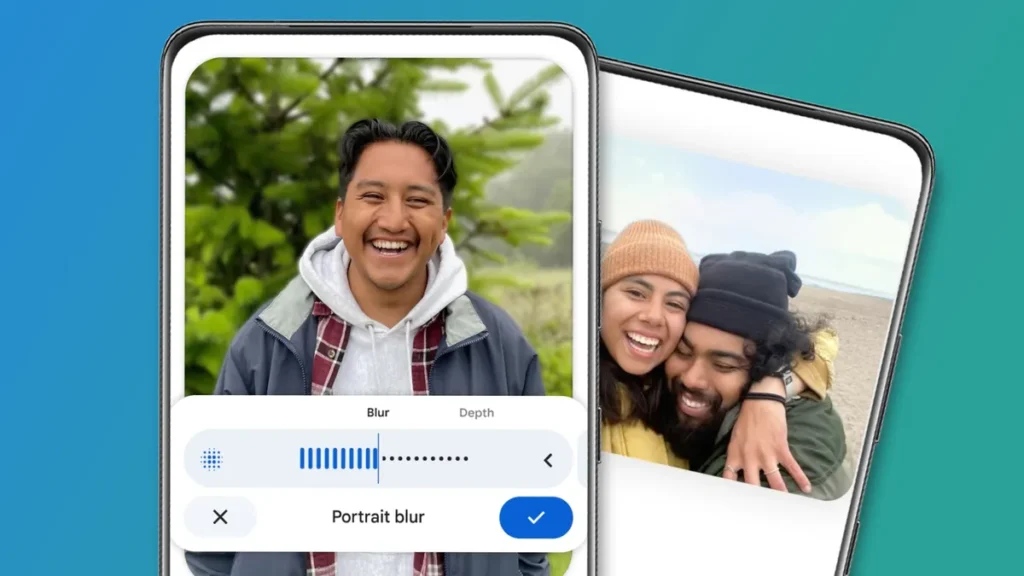
Automatic backup is either on or off. You can also trigger manual backups whenever you want. But you get no other options for managing when or how backups run. Power users who want more control over backup timing would definitely appreciate additional settings.
The code for this scheduling feature exists in the current Google Photos app if you dig deep enough, but it’s not activated yet. Users can’t access or use it. Google is clearly working on it behind the scenes.
We don’t know when this feature will launch. But the fact that Google is already building it into the app suggests it’s coming soon rather than in the distant future. Companies typically don’t add code for features that are years away from release.
Google will likely announce more details when they officially launch the feature. They’ll explain exactly how backup scheduling works, what options you get, and how to set it up. Until then, we’re speculating based on incomplete code.
Watch for updates to Google Photos on Android in the coming weeks or months. The backup settings page will have a visual refresh first, matching Android 16’s design language. The scheduling feature should follow, either at the same time or shortly after.
If backup control matters to you, this update could make Google Photos significantly more useful for managing your storage and internet usage.